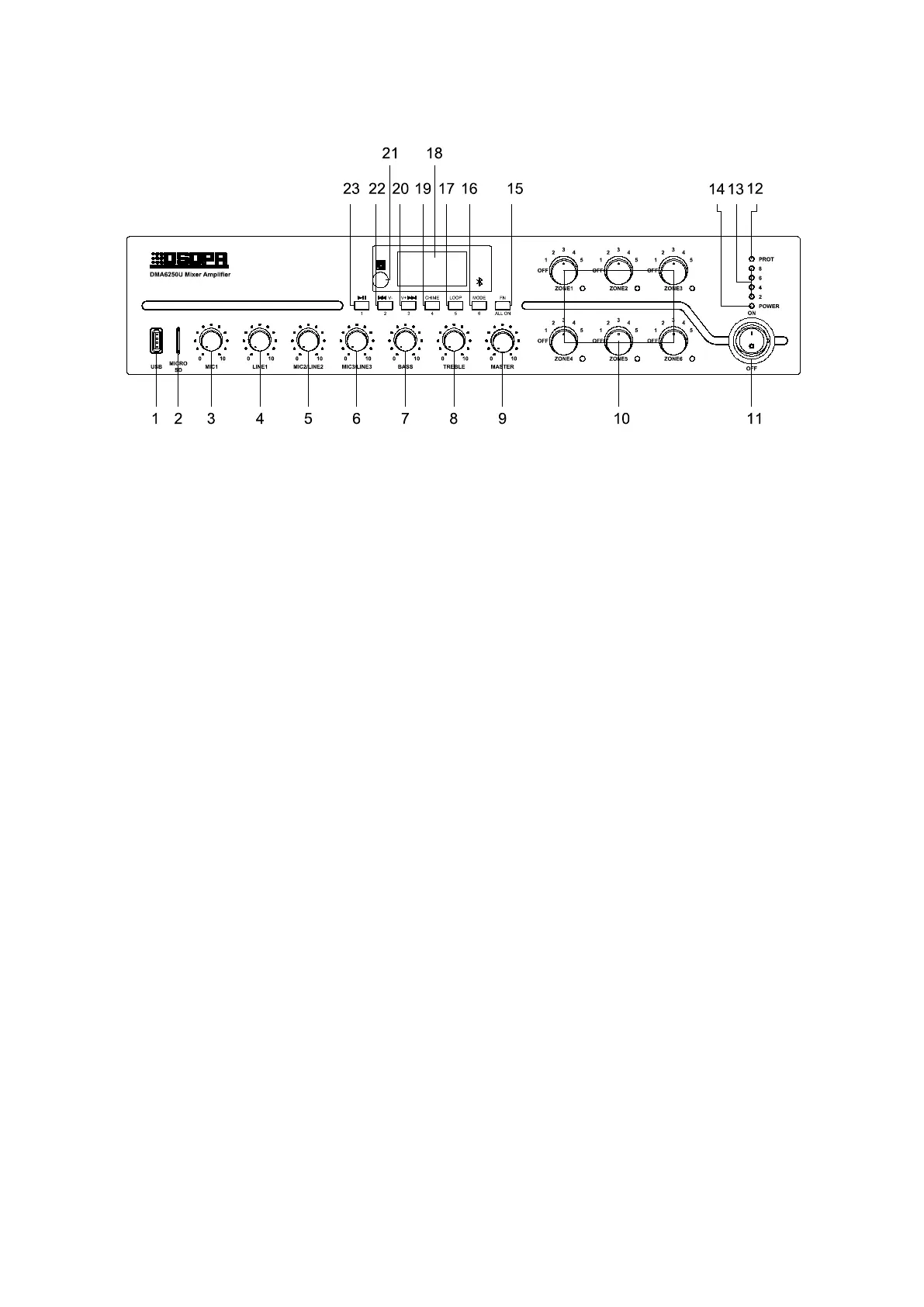
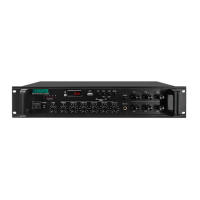
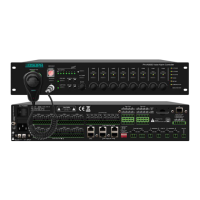
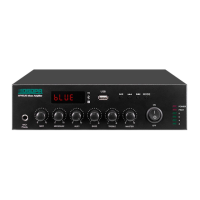
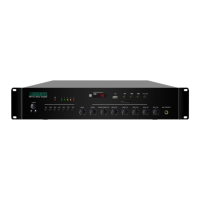
1.USB
Insert a USB flash drive here to provide programs to
the built-in MP3, whose memory is 32G;
2.SD Card
3. MIC1 Volume Adjustment Knob
Adjust the volume of the MIC1, clockwise to volume
up and counterclockwise to volume down;
4. LINE1 Volume Adjustment Knob
Adjust the volume of the LINE1, clockwise to volume
up and counterclockwise to volume down;
5. MIC2/LINE2 Volume Adjustment Knob
Adjust the volume of the MIC2/LINE2, clockwise to
volume up and counterclockwise to volume down;
6. MIC3/LINE3 Volume Adjustment Knob
Adjust the volume of the MIC3/LINE3, clockwise to
volume up and counterclockwise to volume down;
7. Bass Volume Adjustment Knob
With the center position as the reference, clockwise to
volume up and counterclockwise to volume down;
8. Treble Volume Adjustment Knob
With the center position as the reference, clockwise to
volume up and counterclockwise to volume down;
9. Main Volume Adjustment Knob
Adjust the volume of all signals (except the
emergency input signal on the rear panel), clockwise
to volume up and counterclockwise to volume down;
10. 6-Zone Volume Adjustment Knob & Indicator
Adjust the volume of 6 zones, clockwise to
volume up and counterclockwise to volume
down;
When the zone is open, the corresponding
indicator is blue;
11. Power Switch
Press down button“ON” to turn on the power, and
“OFF” to turn it off;
12. Protection Indicator (DC temperature,
overcurrent, or short circuit protection)
13. Level Indicator
Level display of audio output;
14 . Power Supply LED
15.FN Zone Switch
Short press to control zone 1-6 to be on or off, press it
to turn on the zones, then use the button “1”, “2”, “3”,
“4”, “5”, “6” on the panel to turn on or off the
corresponding zone. If you press the FN button for
more than 1s, all the zones will be opened, and if you
press the FN button for more than 1s again, the zones
will be restored to the state before they were all
opened.
16. Mode



 To Next Page