Settings
You are able to adjust a number of settings on the Walka,
these include the brightness, contrast and colour.
To adjust the screen settings do the following;
1. Click on the Menu/Power button.
2. Using the selection wheel scroll to the Settings
menu item.
3. Choose brightness, contrast or colour from the list of
available items.
4. Use the selection wheel to increase or decrease the setting.
5. To accept the desired setting click on the selection wheel.
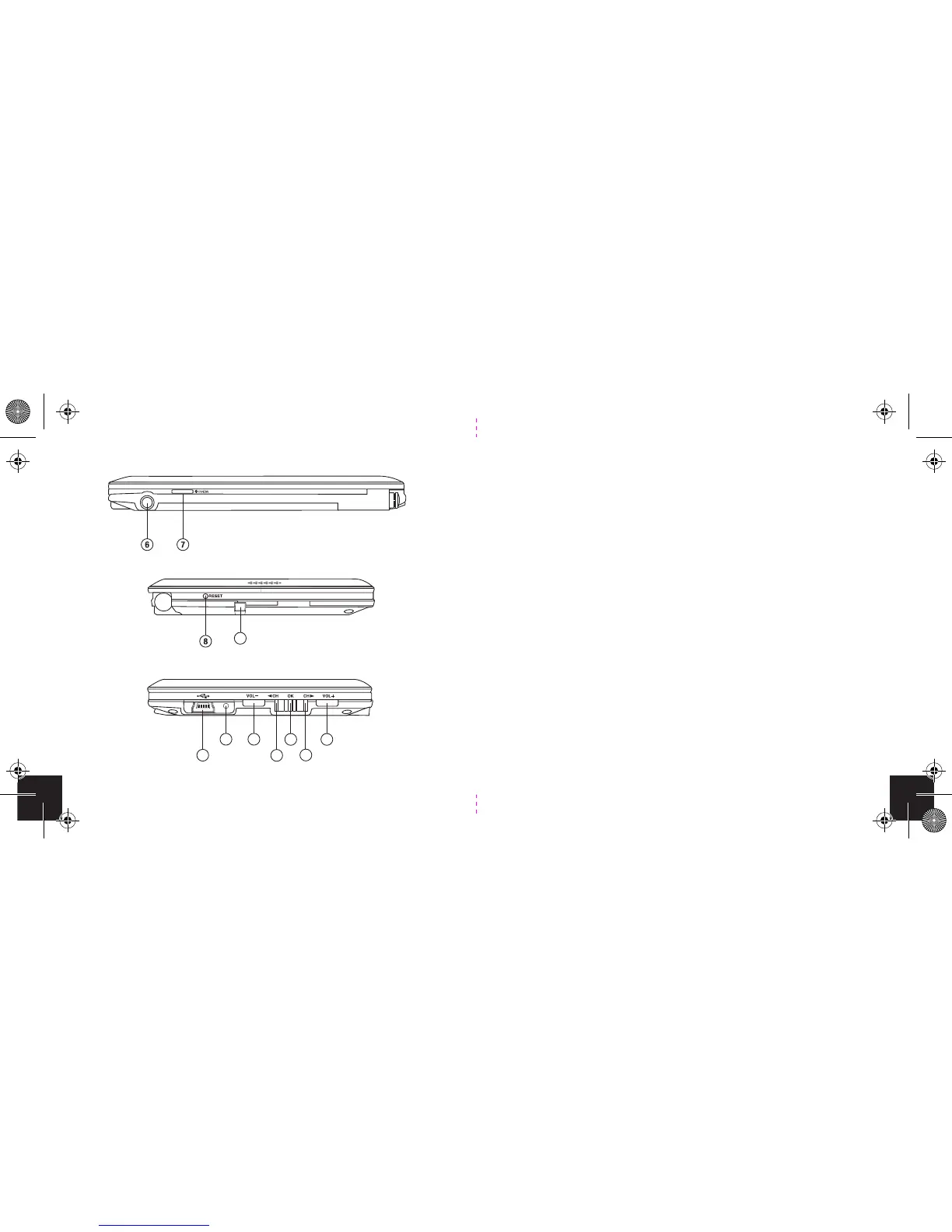
Left
Top
Right
9
10
11 12
14
16
15
13
8
17


 To Next Page