The information contained in this document is the property of Domo Tactical Communications (DTC) Ltd.
Any copying or reproduction in any form whatsoever is prohibited without the written permission of DTC.
© 2016 Copyright Domo Tactical Communications (DTC) Limited. All rights reserved.
4.9 Using Domo Device Controller via IP
4.9.1 Before you start
You will need:
A Personal Computer with the Domo Device Controller and Node Finder installed
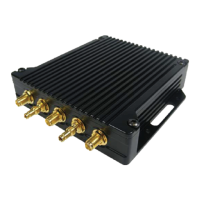
Connect and apply power to the SOL8SDR
Connect the SOL8SDR to the PC or Network via Ethernet
Note: Ensure the SDR is configured as a Transmitter (this can be verified in the web browser). Device
controller will not work if SOL8SDR is configured as a Mesh or Receiver.)
4.9.2 Connect Using Domo Device Controller
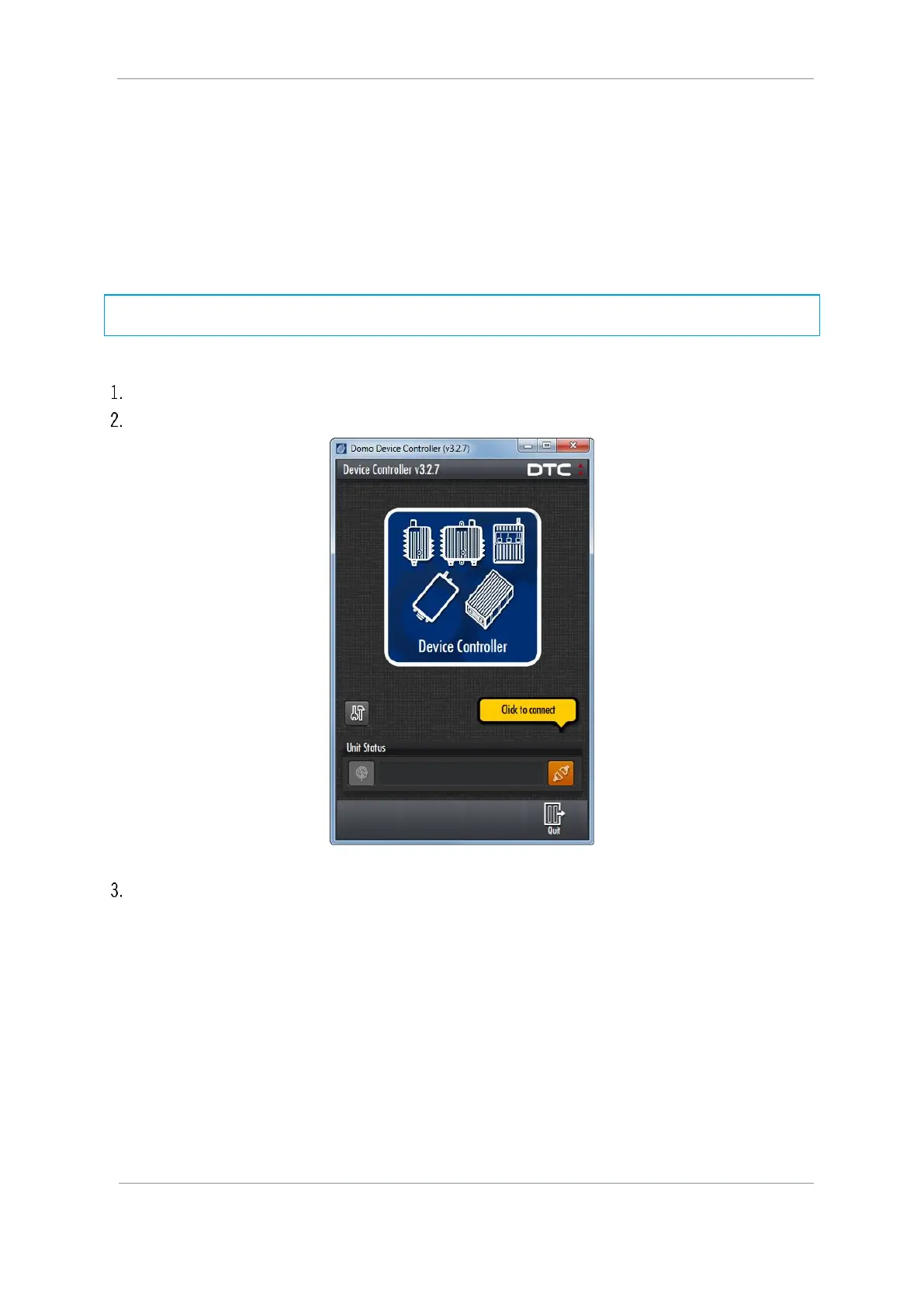
On your desktop, double-click the Domo Device Controller icon.
The Domo Device Controller opens showing the Splash Screen.
Click the orange Connect button.



 To Next Page