12
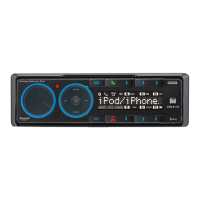
XML8100 OPERATION
Dock for iPod Operation
SomeiPoddeviceshaveathinnerdesign,and
mayrequirechangingtherearrubbersupportat
thebackofthedockforthebestt.
Tochangetherearrubbersupport,pullupward
onsupporttoremoveit.Thenreplacethesupport
withthethickerrubbersupportthatisincluded
inthebox.
Forthe1stgeneration,2ndgenerationand4th
generationiPodNanodevices,theleftsidedock
supportcanbereplacedwithalargerrubber
support,forthebestt.
Tochangetheleftsiderubbersupport,pull
outwardontherubbersupporttoremoveit.Then
replacethesupportwiththelargerrubbersupport
thatisincludedinthebox.
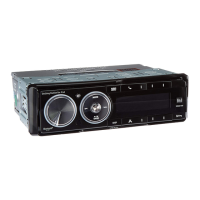
TodockaniPoddevice,rstspreadaparttheside
supportsofthedock.Thenlineupthedockconnector
andinserttheiPoddeviceintothedock.Releasethe
sidesupportstosecurethedevice.


 To Next Page