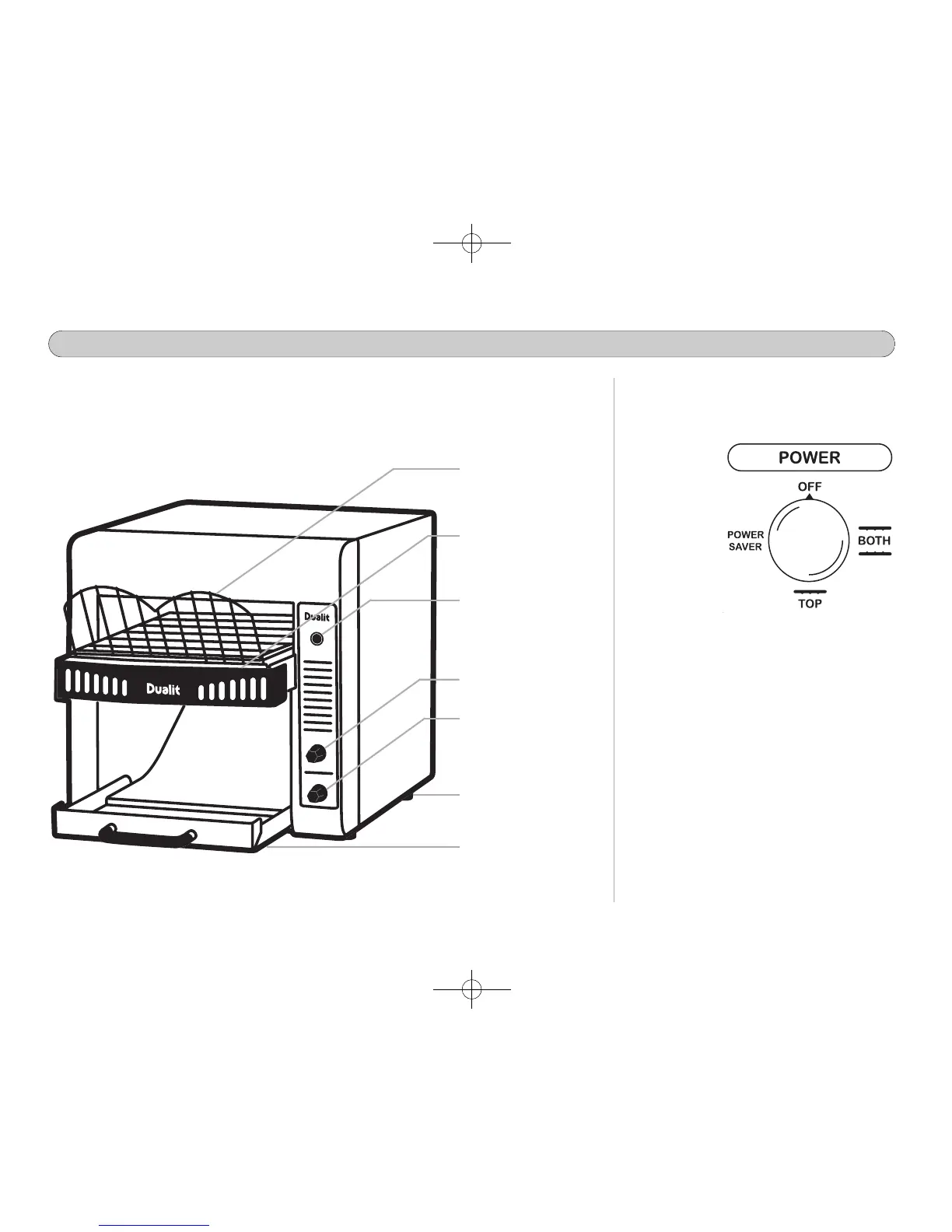
Dualit conveyor toasters are equipped
with a rotary power switch. Turn to set
the following functions:
OFF - Select to
turn the power
off.
BOTH
--
Use
this setting for
toasting bread.
Both top and
bottom
elements will
be activated.
TOP - Use this setting for single side
toasting. E.g. bagels or buns. Only the
top element will be activated. (TCF will
not be activated when using this setting).
POWER SAVER - Use during off peak
periods and save up to 75% power
consumption.
When needed, turn the knob to ‘BOTH’.
setting, the toaster will be ready to toast
within 30 seconds.
4
PARTS AND CONTROLS
BBrreeaadd ffeeeeddeerr gguuiiddee
CCrruummbb ttrraayy
PPoowweerr OONN NNeeoonn
BBrroowwnniinngg ccoonnttrrooll
PPoowweerr sswwiittcchh
UUnnllooaadd cchhuuttee
HHeeaatt LLiimmiitt RReesseett
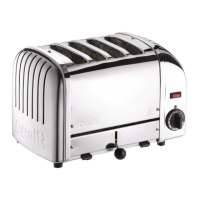
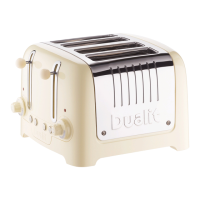
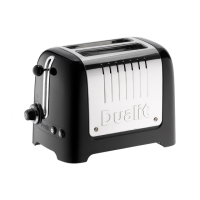
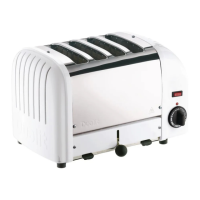
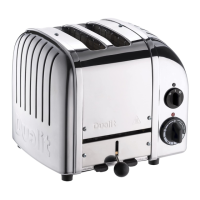
Familiarise yourself with all controls before using the toaster.
Model shown DCT2T




 To Next Page