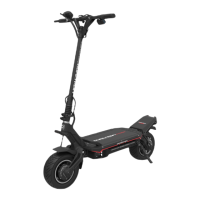
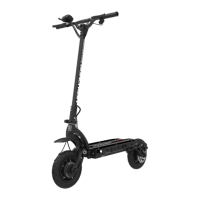
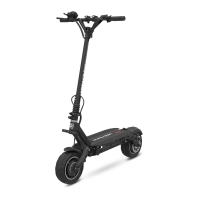
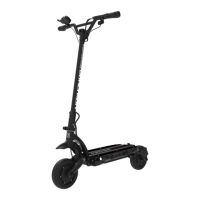
08
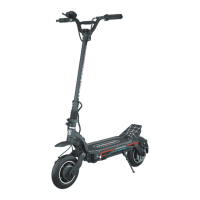
Dualtron Thunder User Manual Dualtron Thunder User Manual
09
How to use the productProduct components
Charger
Basic tool
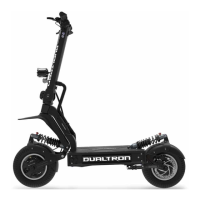
Main body
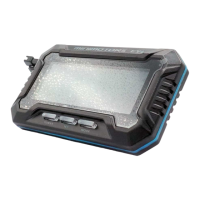
LED Remote
control
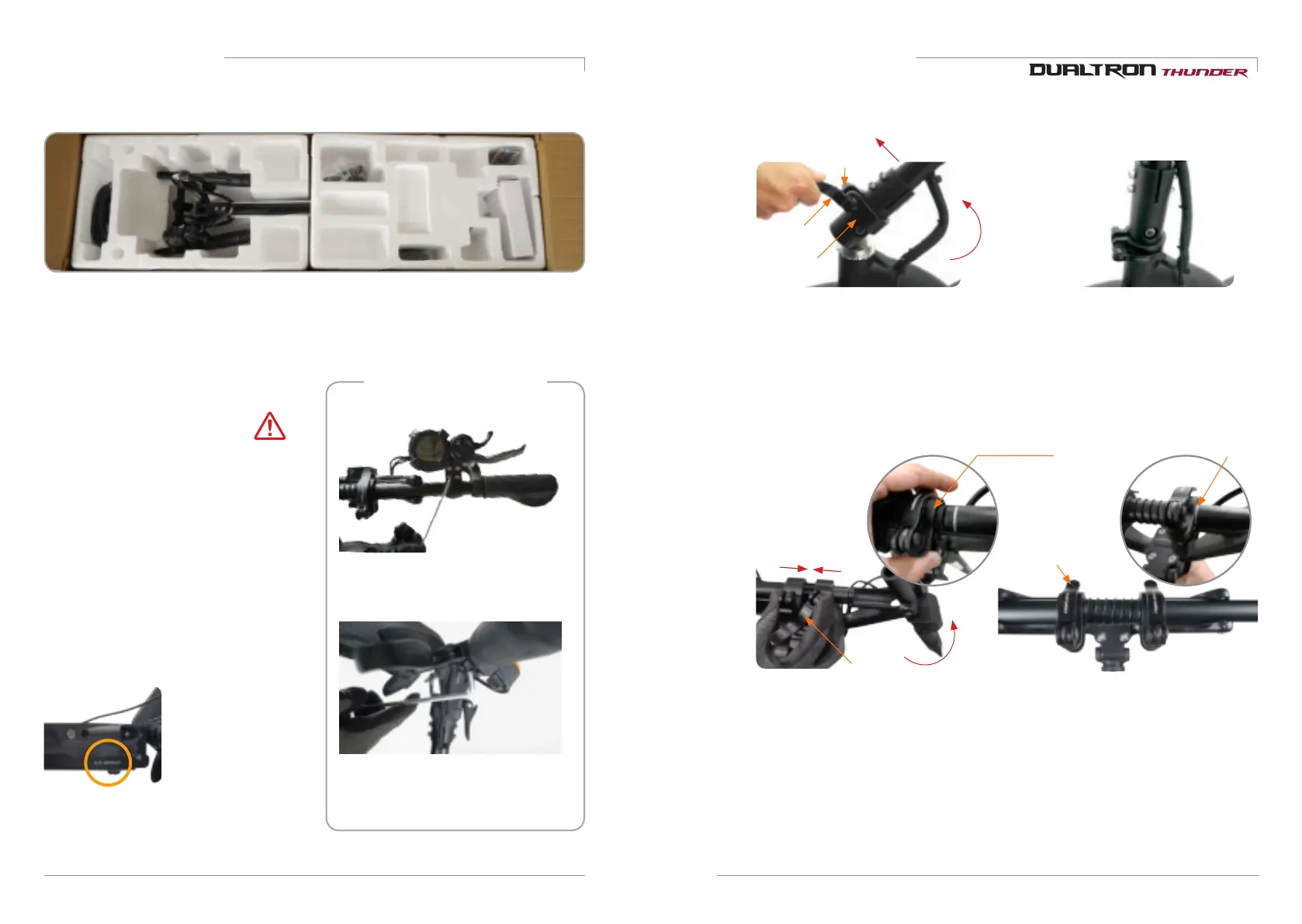
Checking the components inside of the box
Top : Default battery charger(1.7A), Default tool, User manual, Remote control
Bottom : Body(Lithum battery included)
Assembling of the instrument
panel, brake
-Locate the instrument panel and tighten
the fixing bolts.
-Adjust the position of the brake and
tighten the fixing bolts with a 5mm hexagon
wrench.
Make a note of the serial number.
The serial number
can be used to check
information such as date
of purchase, warranty
period, etc., and product
information can be
checked even if the
product is lost or stolen.
(May vary depending on
branch office situation.)
Ejecting the product
Do not hold the handlebar only when lifting the
product from the box.
Please be careful that the fixing slide of the folding
part may be damaged, and a safety accident such
as a part of the body may be caught.
Therefore, when lifting the product, it is
necessary to raise the handle bar first, and then
slowly lift the body (footrest) of the product with
both hands and do not damage the folding part
Caution
1) Productun folding
3. Handlebar unfolding
4.Locking the handle
QR lever
Locking slide
locking slide
QR lever
1. Raise the handle post(Steering tube)
2. Locking the folding parts
QR lever
Finishing screw
Locking slide
Tighten the finishing screw properly to
lock the QR lever so that the locking
slide is firmly fixed in any direction, and
check for looseness during use.
Release the QR lever, raise the locking
slide upwards, raise the handle post,
then lower the locking slide downward.
Loosen the QR lever, pull the locking
slide inward and raise the handlebar,
then close the QR lever and tighten the
set screw.
Place the locking slide up to the safety
line and lock it so that it is firmly fixed with
the QR lever. Always check for looseness
during use.
* :
.


 To Next Page