08
Dualtron X User Manual
Product components
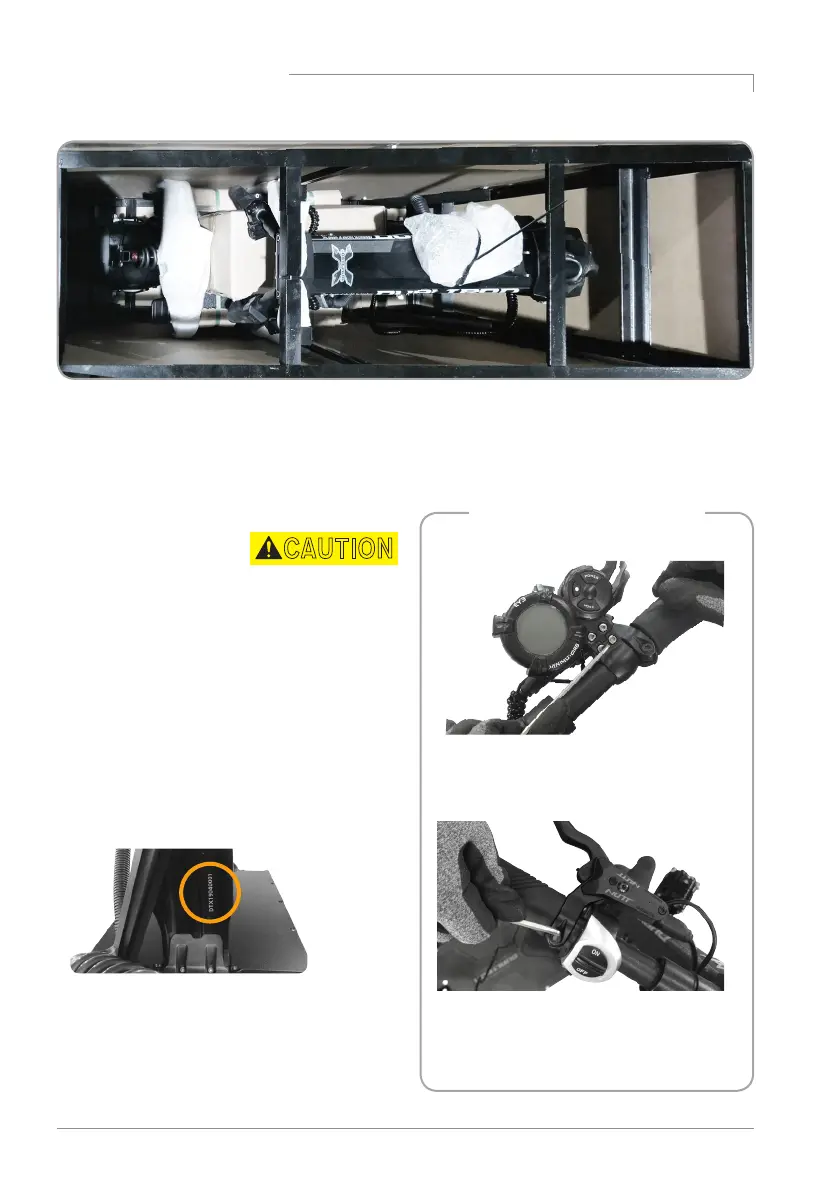
Checking the components inside of the box
Assembling of the instrument
panel, brake
-Locate the instrument panel and tighten
the fixing bolts.
-Adjust the position of the brake and
tighten the fixing bolts with a 4mm
hexagon wrench.
Make a note of the serial number.
The serial number can be used to check
information such as date of purchase, warranty
period, etc., and product information can be
checked even if the product is lost or stolen.
(May vary depending on branch office situation.)
Unboxing the product
This unit is secured to the steel frame in the
box. When lifting the product out of the box,
make sure that at least two people open it
safely, taking into account the weight of the
product.
* There is a risk of accident and/or body injury
from the folding parts, getting cut by the sharp
edges of the steel frame, and by the product
falling on the user.
Body, Default battery charger 2EA (6.5A, 1.75A),
Basic tool, Swing arm fender,
User manual
CAUTION



 To Next Page