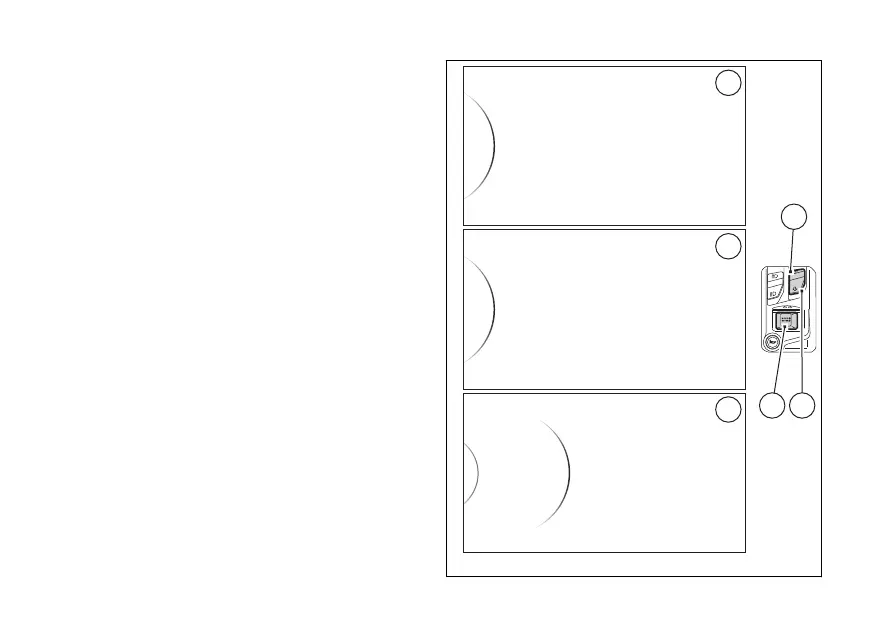
menu - riding mode- restore
values (Default)
This function restores all parameters for a single
riding mode and is only available if one or more
parameters have been previously modified,
compared to factory
To open this function:
●
enter the menu (SETTING MENU);
●
press (1) or (2) to select "Riding
Mode" (A) and press (4);
●
then select the riding mode to be modified
, “Touring”, “Urban”) (B) and press
(4);
●
then select “Default” (C).
Press (4) when “Default” is selected; the
instrument panel sets all parameters for the
selected riding mode to factory The display
shows “< Back” and the “Default” item is no longer in
the list.
Riding Mode
< Exit
Pin Code
Lap
Sport
< Back
Touring
Urban
Urban
Fig 116
165








 To Next Page