IRHS Holding Unit
Restaurant Equipment Manual
18
SETTINGS – CHECKING PRODUCT SETTINGS
(VIA USB FILE)
USB File Upload from Unit
1. Turn IRHS ON and wait for temperature or
product names to display.
2. Insert a BLANK USB Drive into the USB port.
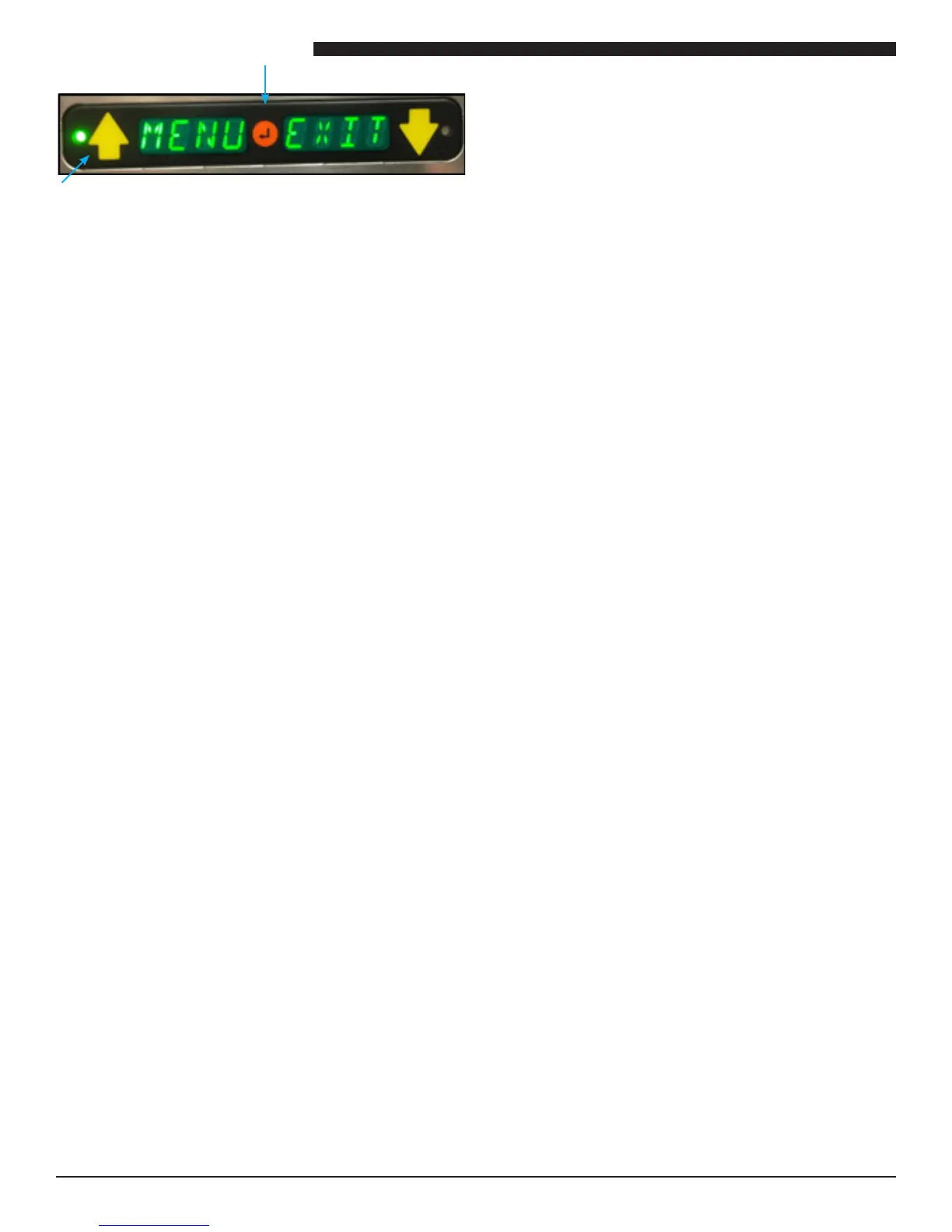
USB Port LED will light solid green and a single
chirp should be heard.
3. Display will go blank and USB Port LED will begin
ashing green.
4. A second chirp should be heard, USB Port LED
will return to solid green.
5. File has successfully uploaded from IRHS to USB
Drive.
6. Remove USB Drive from Port.


 To Next Page