7
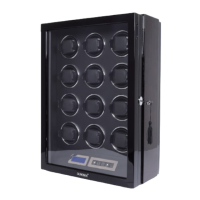
3. LCD Backlit
The LCD backlight assists users to read the LCD. It will be activated when the
power switch on, either the lid open or program have been manipulated. In
order to save power, the backlight will automatically turn off when there is no
input detected for about 10 seconds.
4. Remote Control
(Remote control range up to 5 meters)
Run & Stop
Bi-directional
Watch Selection
(Right)
TPD selection
Watch Selection
(Left)
1950
TPD
650
850
1000 750
LED Light Control
Power Switch
New Watch
Mode Key


 To Next Page
 Loading...