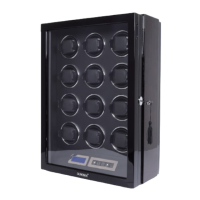
Need help?
Do you have a question about the DUKWIN DK Series and is the answer not in the manual?
Details about various power adapter plug standards compatible with the device.
Explains the operation of the pause switch to stop drum rotation.
Overview of the LCD touchscreen interface and its available options.
Steps and parameters for initializing the watch winder.
How to set all motors to the current mode and adjust parameters.
Customization option to set each motor individually.
Mode for setting up new watches with specific winding patterns.
Method for calculating Turns Per Day (TPD) and cycle execution.
Adjusts the Turns Per Day (TPD) setting via the remote.
Activates the New Watch Mode using the remote control.
Allows selection of watches or direction via the remote.
Controls the operation of the winder, starting and stopping it.
Manages the LED lighting on the watch winder using the remote.
Guides on setting up fingerprint accounts for security.
Procedures for removing and resetting fingerprint accounts.
Step-by-step guide on how to attach a watch using the cuff.
Information on the LED light stripe and its adjustable grades.
Details about the ambient light features and controls.
 General
| Brand | DUKWIN |
|---|---|
| Model | DK Series |
| Category | Accessories |
| Language | English |

 To Next Page