LET’S GET STARTED!
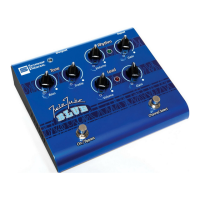
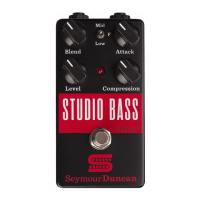
1. Start with the unit in bypass mode
(LED off). Set Blend knob all the way
counter clockwise (off) and all other
knobs set at 12 o’clock.
2. Turn on the Studio Bass Compressor
by pressing the footswitch – the LED
will light up red when it’s active. Adjust
Volume knob and your amp level to
achieve desired overall volume.
3. Experiment with Compression and Attack
knobs to get desired “wet” or compressed tone.
4. Select frequency range on mini-toggle
switch and gradually bring up Blend
knob to re-introduce the dry signal to
the compressed signal. Blend “wet”
versus “dry” to taste. Now experiment
with the frequency switch to hear the
tonal possibilities.
5. Flavor to taste.
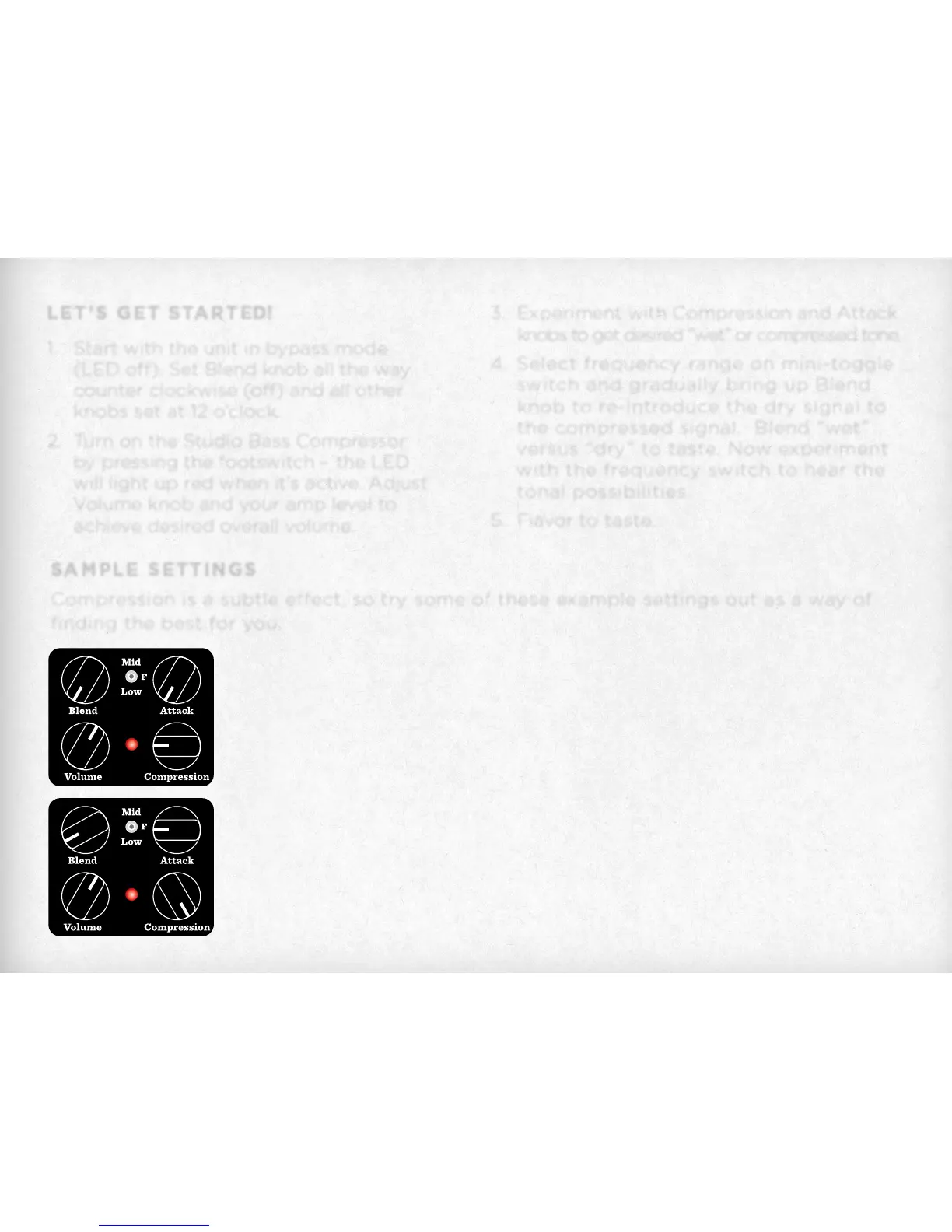
SAMPLE SETTINGS
Compression is a subtle effect, so try some of these example settings out as a way of
finding the best for you.
High Compression
A large amount of compressed tone mixed with very little dry signal.
Great for smoothing out the dynamics in slap-style playing and keeping
the pulled notes from becoming too harsh and overbearing.
Subtle Compression
Add just a little compression to your overall tone to even things out.


 To Next Page