computer radio control system
EN
4.8 Handling
2.2.
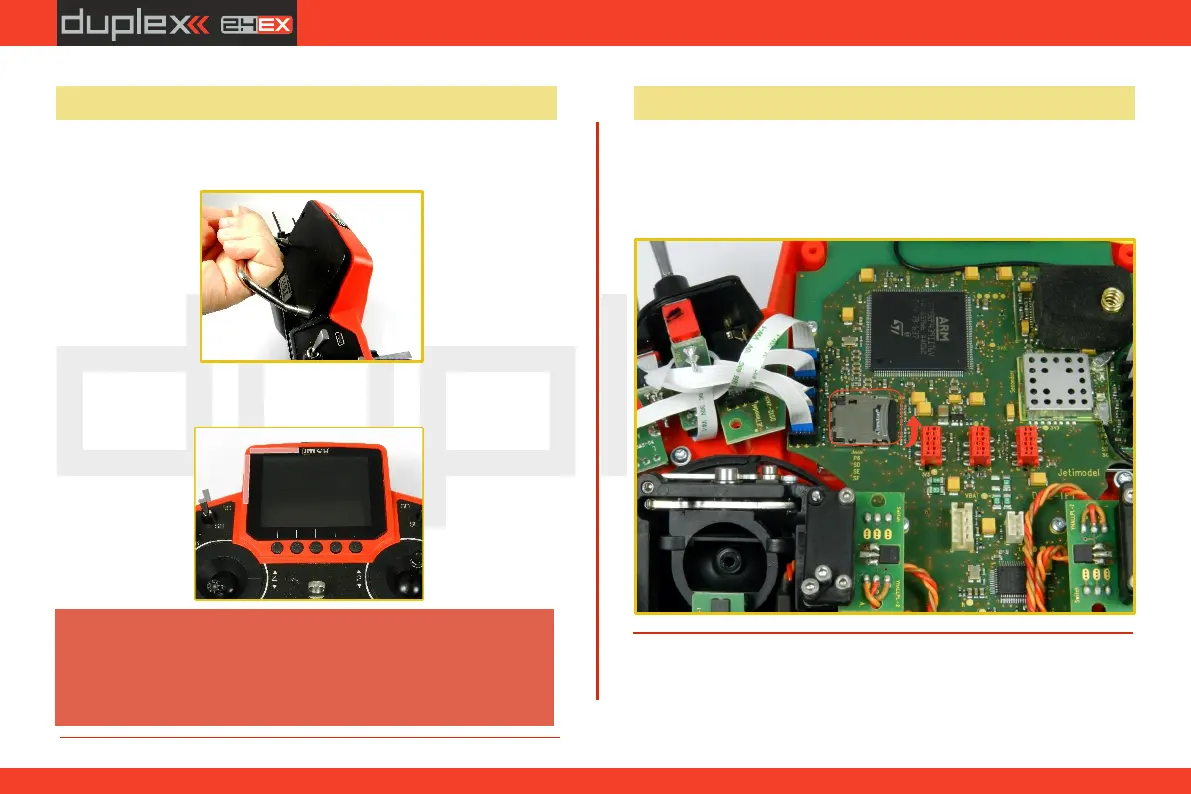
The DS-12 is equipped with a handle for practical manipulation as
shown in the picture.
Before each flying session, and especially with a
new model, it's important to perform a range
check. If you are operating a model with a DS-12
transmitter do not shield and avoid contact of the
transmitter antennas (see Photo)with your body.
Warning:
The transmitter 2.4GHz antenna locations are shown in the picture
below.
4.9 Change SD Card
Disconnect the battery plug .
To open the SD card holder, use a fingernail to push the metal frame
to the right and then lift it carefully . The micro SD card can now be
removed . For installation, proceed in the reverse order .
[
25


 To Next Page