EN
English
▶siehe Abbildung10
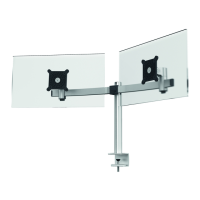
– Insert the VESA plate(1) into the bracket(15). Make sure that
the plate locks in fully.
▶siehe Abbildung11
– Rotate the monitor to the desired position.
Tablet mount
▶siehe Abbildung12
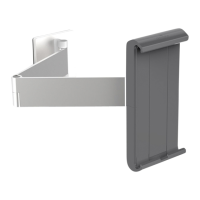
– Place the tablet in the bracket (19) as shown.
– Pull the bracket on the moving part (22) apart.
– Bring the tablet to the position as shown and fix it with the mo-
ving part of the bracket.
▶siehe Abbildung13
– Rotate the tablet to the desired position.
▶siehe Abbildung14
– Insert the cable into the monitor and the tablet.
– Insert the cable into the enclosed rectangular cable clamps(23)
on the monitor as shown.
– Secure the cable clamps (23) and (24) on the monitor arm as
shown.
– Guide the cable to the centre along the monitor arm and fix it
together with the cables of the tablet using another rectangular
clamp (23).
Operation
– Place the monitor and the tablet in the desired position.
Rotating range
▶siehe Abbildung15
Tilt adjustment
▶siehe Abbildung15
– If the monitor or tablet tilts by itself or with difficulty, the bra-
king effect can be adjusted using the screw (14) in the joint.



 To Next Page