- 9 -
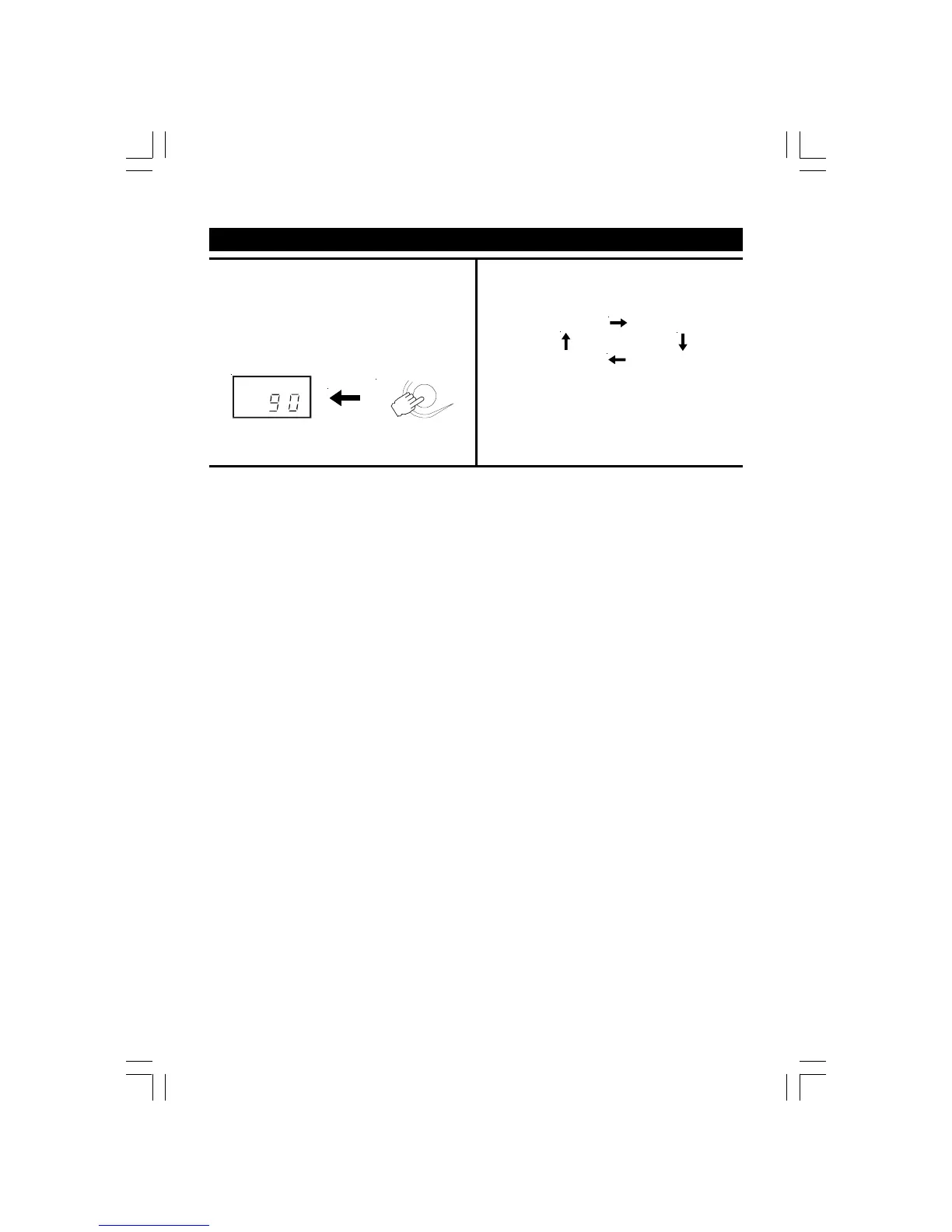
1. Press the SLEEP button while the power is on.
"SLEEP 90" lights in the display.
2. Press and hold the SLEEP button to select the length of
remaining time until the unit turns off.
It changes the indicator in the following way:
SLEEP 90 SLEEP 80
SLEEP 10 ......SLEEP 20
The Sleep Timer is set and the SLEEP indicator lights in
the display. Let go when required sleep time (in minutes)
is shown.
To cancel the sleep timer, press the SLEEP button until
the "SLEEP" will go out in the display.
SETTING THE SLEEP TIMER
SLEEP
SLEEP
2775SW-eng.pmd 10/29/2004, 3:05 PM9


 To Next Page