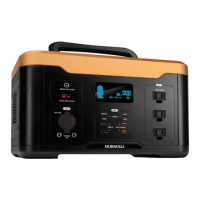
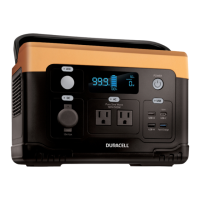
USING YOUR PORTABLE POWER STATION
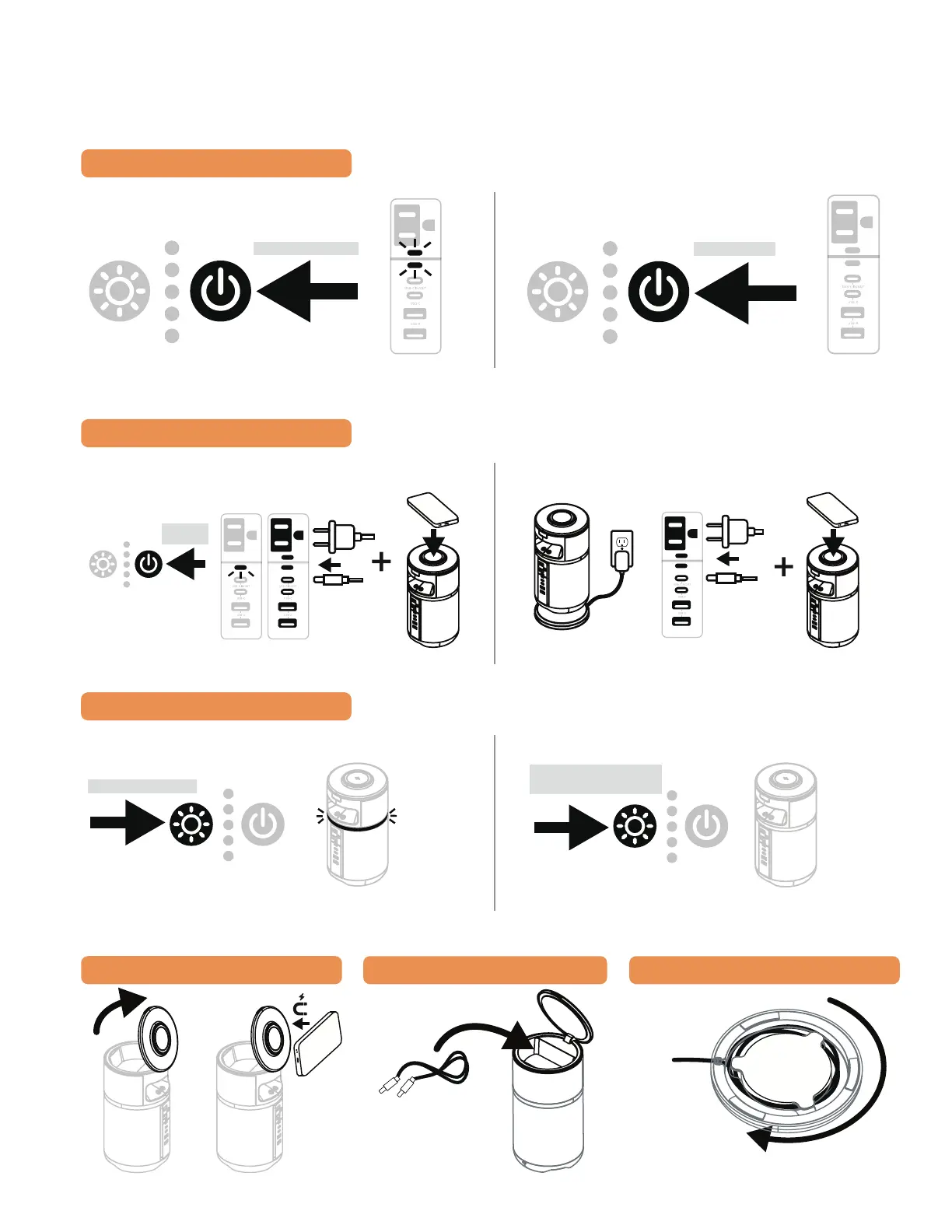
TURNING ON/OFF DEVICE
Turning On Device
Push
Turning O Device
Push
CHARGING DEVICES
USB, AC and Wireless Charging
(Cable Not Included)
Wrapping Cable is
recommended
AC outlet will turn o automatically if not in use to preserve power.
Auto Detecting Ports While Charging
(All Ports Will Function While Device Is Being Charged Via USB-C In/Out or M-Dock)
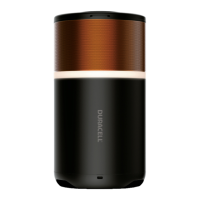
LIGHT RING CONTROL
Turning On Ring
Light (power must be on)
Push
Tap to Cycle 4 Brightness Levels
Turning O Ring Light
Cable can be
wrapped around
and stored under
the M-Dock
TILTABLE LID
Push
CABLE STORAGE
M-DOCK CABLE STORAGE
Push
Short Push >500ms
Short Push
>500ms
Long Push >3s
Short Push >500ms
Short Push >500ms
after 5s of no operation


 To Next Page