TROUBLESHOOTING
PROBLEM SOLUTION
Unit is not recharging.
Make sure wall charger is property connected.
Make sure the contacts at the bottom of the Unit
and at the top of the M-DOCK are clean and free
from foreign objects.
Make sure Unit is within operating temperature
range. If Unit is too cold or too hot, it will not charge.
Unit is not charging or powering
my device.
Make sure the Unit is powered on. If the Battery Level
indicator is o, press the power button to turn the
Unit on.
If the battery level is too low, the bottom battery
level indicator will blink rapidly. In this case, the Unit
must be recharged before use.
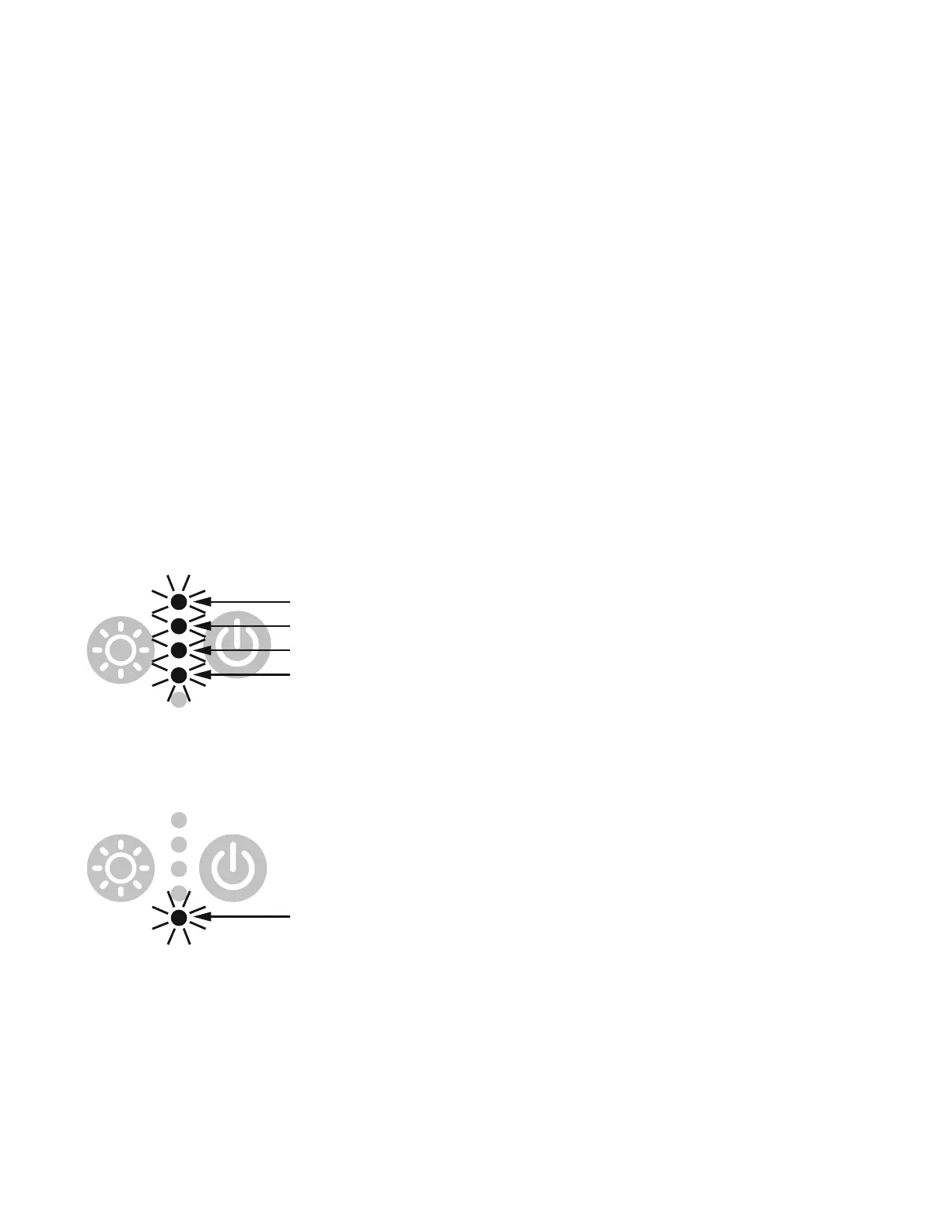
Unit is not charging or powering my
devices and the top 4 LEDs blinking.
This occurs when the Unit has detected it is outside
of its operating temperature range.
If too hot, make sure the fan vents are not
obstructed to ensure proper air ow bring the Unit to
a cooler location, and allow the Unit to return to
normal operating temperature.
If too cold, bring the Unit to a warmer location and
allow the Unit to return to normal operating
temperature.
Bottom LED is blinking.
Flashing
Flashing
Flashing
Flashing
Flashing
Low Battery and battery under voltage shut down:
When the battery capacity is low, the bottom LED
will blink fast. Place the Unit on the M-Dock and
allow it to charge.
I can hear the cooling fan
inside the Unit
This is a normal operation of the Unit. The fan will
automatically turn on and o at variable speeds to
maintain the optimal internal temperature.
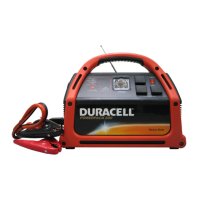
If you are still experiencing problems with you Duracell Power Station, please visit
www.duracell.com or call Duracell Consumer Relations at 800-551-2355.


 To Next Page