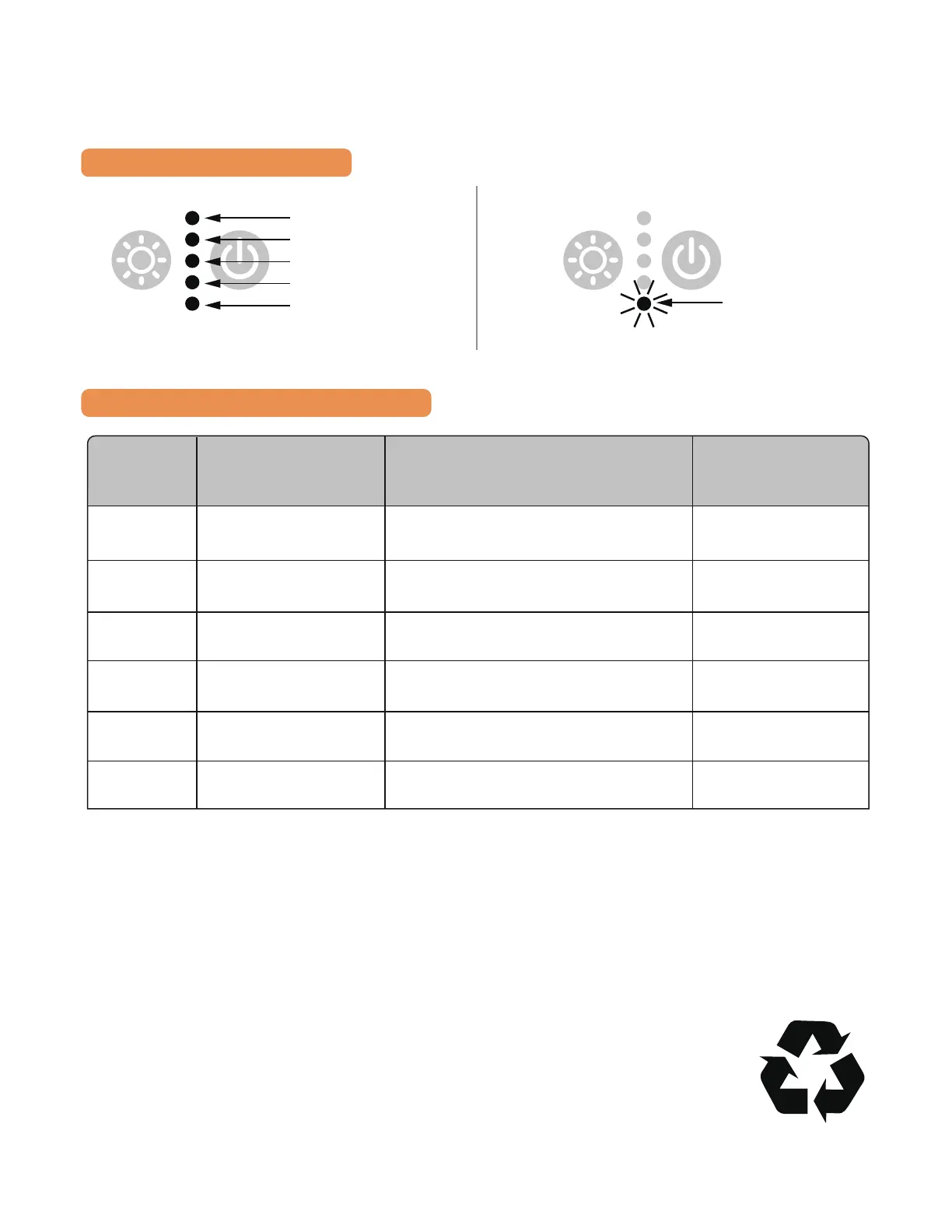
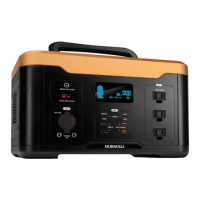
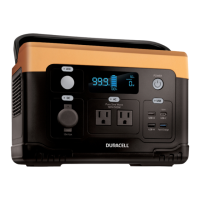
BATTERY LEVEL INDICATOR
BATTERY LEVEL STATUS LOGIC (5 LED)
Battery Level
100%
80%
60%
40%
20%
Battery 0%. Must Recharge.
Flashing
Display
Battery Level
Indicator (%)
Idle State
(LED will dim down after 30s)
During Charging During Discharging
0–20 Bottom LED or
LED 1 ON
LED 1- 5 blinking rolling upward
from 1 to 5
LED 1 blinking
>20–40 LED 1-2 ON LED 1 always ON. LED 2- 5 blinking
rolling upwards from 2 to 5
LED 1 always ON.
LED 2 blinking
>40
-60 LED 1-3 ON LED 1-2 always ON. LED 3- 5 blinking
rolling upwards from 3 to 5
LED 1-2 always ON.
LED 3 blinking
>60–80 LED 1-4 ON LED 1-3 always ON. LED 4- 5 blinking
rolling upwards from 4 to 5
LED 1-3 always ON.
LED 4 blinking
>80–<100 All LED On LED 1-4 always ON. LED 5 blinking LED 1-4 always ON.
LED 5 blinking
100 All LED On All LED On LED 1-4 always ON.
LED 5 blinking
STORAGE AND MAINTENANCE
1. Please keep the unit in a cool and well-ventilated environment, away from any source of
water, heat or ammable gases.
2. For long-term storage, please recharge the unit every 3-6 month to make sure it’s always
above 80% SOC (State of Charge).
DISPOSAL AND RECYCLING
Recycle the Unit responsibly and according to local, state, and national
regulations applicable to lithium-ion rechargeable batteries.


 To Next Page