EasyManua.ls Logo

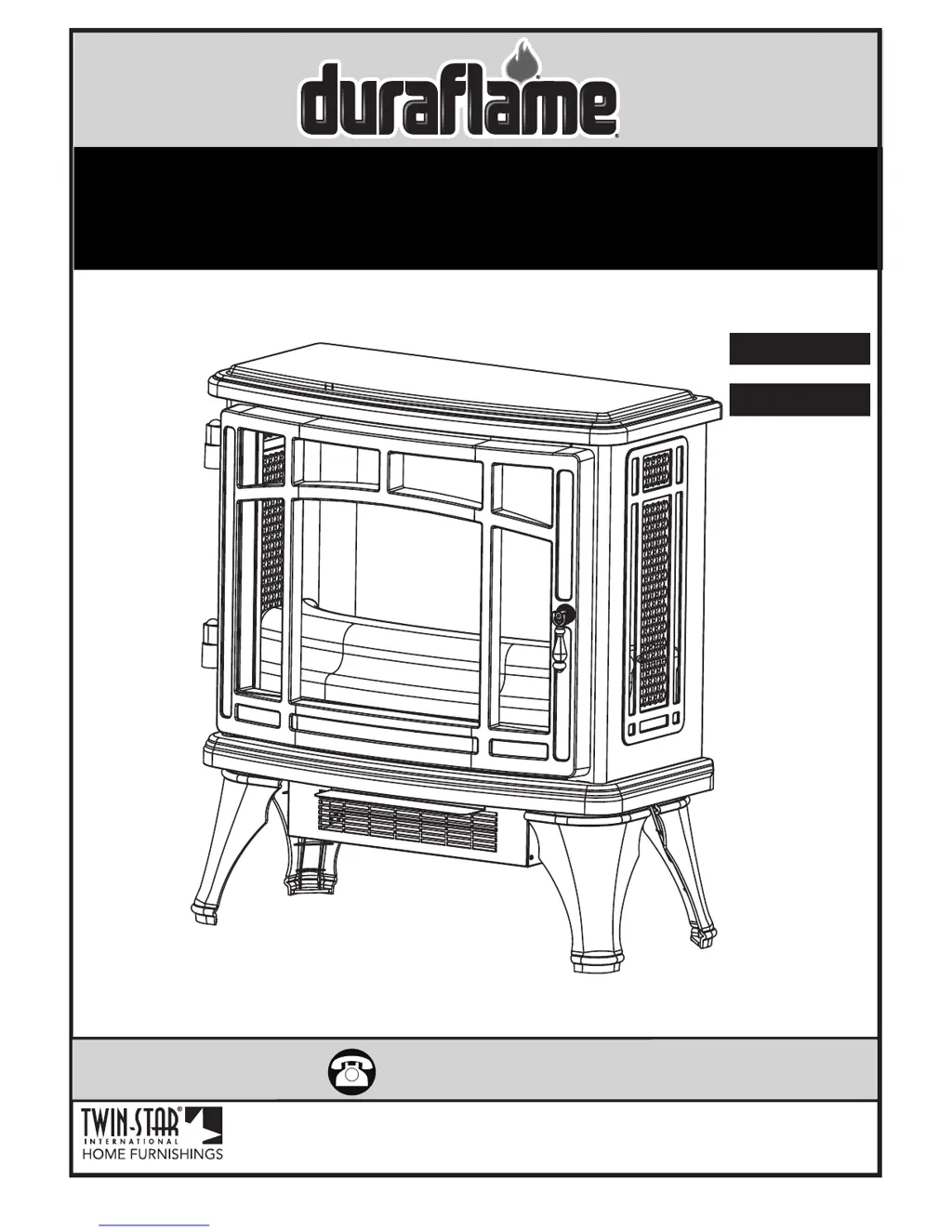
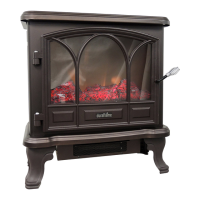
Duraflame DFI-8511-09 - User Manual

Duraflame DFI-8511-09
10 pages
Print Icon
To Next Page IconTo Next Page
Loading...
www.tsicustomerservice.comA485
1
www.tsicustomerservice.com
Twin-Star International, Inc; Delray Beach, FL 33445
Made in China • Printed in China • Fabricado en China • Impreso en China • Fabriqué en China • Imprimé en Chine
1-800-318-9373
MODEL/ MODELE/ MODELO:
DFI-8511-01, DFI-8511-02, DFI-8511-03, DFI-8511-04,
DFI-8511-08, DFI-8511-09, DFI-8511-10
Español P.11
Français P.20

Questions and Answers

  • K
    Katrina MahoneyAug 19, 2025
    Why is my Duraflame DFI-8511-09 Stove not producing enough heat?
    • J
      Jasmine OrtizAug 19, 2025
      If your Duraflame Stove is not producing enough heat, ensure it is plugged directly into the wall, avoiding power strips, surge protectors, and extension cords. Also, position the unit on an interior wall or away from drafty areas like doors and windows.
  • M
    maureen02Aug 21, 2025
    How to fix a Duraflame DFI-8511-09 with no power?
    • K
      Kristy ThompsonAug 21, 2025
      If your Duraflame Stove has no power, first check that the power cord is securely plugged into a standard 120-volt outlet. If the issue persists, it may indicate a circuit board failure, in which case you should contact Customer Service for a replacement main PCBA.
  • A
    Adam Matthews DDSAug 23, 2025
    What to do if Duraflame Stove does not turn on manually?
    • H
      hillmeganAug 25, 2025
      If your Duraflame Stove does not turn on manually, check the circuit breakers and try a different outlet to ensure there is incoming power from the electrical wall socket. Also, make sure to manually press the main power button on the front of the unit. If it still fails to turn on, the control panel circuit board may have failed, and you should contact customer service to replace the control panel PCBA.
  • M
    Michael RyanAug 26, 2025
    Why is the remote control not working on my Duraflame DFI-8511-09 Stove?
    • T
      Tommy NorrisAug 26, 2025
      If your Duraflame Stove remote control isn't working, try these steps: 1. Change the remote batteries. 2. Operate the remote at a slow, measured pace, pressing the buttons with an even motion and gentle pressure. 3. Ensure you are within 20 feet of the unit and pointing the remote at the control panel.
  • J
    Joseph WilliamsAug 28, 2025
    What to do if Duraflame DFI-8511-09 Stove heater is not turning on and beeps?
    • P
      petersonjessicaAug 28, 2025
      If your Duraflame Stove heater is not turning on and beeps many times when pressing the heater button, the HEATER function might be locked. To unlock it, hold the POWER button on the control panel for about 10 seconds to activate the heater function.
  • S
    Samantha SanchezAug 30, 2025
    What to do if Duraflame Stove does not turn on with remote?
    • S
      simmonselizabethAug 30, 2025
      If your Duraflame Stove does not turn on with the remote, make sure you are pointing the remote directly at the center of the unit. If it still doesn't turn on, install a new battery into the remote control or replace the remote control if necessary.
  • M
    Michael NorrisSep 1, 2025
    What to do if Duraflame DFI-8511-09 Stove heater is not turning on?
    • D
      David SullivanSep 1, 2025
      If the heater is not turning on in your Duraflame Stove, contact Customer Service for a replacement main PCBA or a replacement heater blower.
  • E
    Elizabeth RitterSep 3, 2025
    Why is my Duraflame Stove making excessive noise with the heater on?
    • J
      Justin WrightSep 3, 2025
      If your Duraflame Stove is making excessive noise when the heater is on, gently vacuum the heater blower vents to remove any dust or debris. If the noise continues, the heater blower motor may be defective and require replacement.
  • A
    Alexis TaylorSep 5, 2025
    Why are the flames not moving on my Duraflame DFI-8511-09?
    • E
      Eric RodriguezSep 5, 2025
      If the flames are not moving on your Duraflame Stove, contact customer service for a replacement Flame Generator Drive Motor or unplug the stove and remove the back panel and check to see if 'Flame Generator/Spinner' is correctly mounted to the Flame Generator Drive Motor.
  • R
    Ray HarperSep 7, 2025
    Why does the power cord get warm on my Duraflame DFI-8511-09?
    • M
      Michael CooperSep 8, 2025
      If your Duraflame Stove's power cord gets warm, check your heater cord and plug connections. Faulty wall outlet connections or loose plugs can cause the outlet or plug to overheat.

Summary

IMPORTANT INSTRUCTIONS

General Safety Precautions and Warnings

Essential safety guidelines for operating the appliance, including fire and electrical hazard prevention.

INSTALLATION INSTRUCTIONS

Leg Assembly Guide

Detailed steps for correctly attaching the legs to the stove base.

CARE AND MAINTENANCE

Safety Precautions for Maintenance

Critical warning to disconnect power before any maintenance or cleaning.

OPERATION INSTRUCTIONS

BULB REPLACEMENT

Bulb Replacement Procedure

Step-by-step guide for replacing the internal light bulb safely and correctly.

TROUBLESHOOTING GUIDE

Resolving Common Issues

Solutions for problems like no power, remote not working, or flame issues.

1-YEAR LIMITED WARRANTY

Duraflame DFI-8511-09 Specifications

General IconGeneral
BrandDuraflame
ModelDFI-8511-09
CategoryStove
LanguageEnglish

Related product manuals