4
SOLDERING
DESOLDERING
Adjusting the temperature
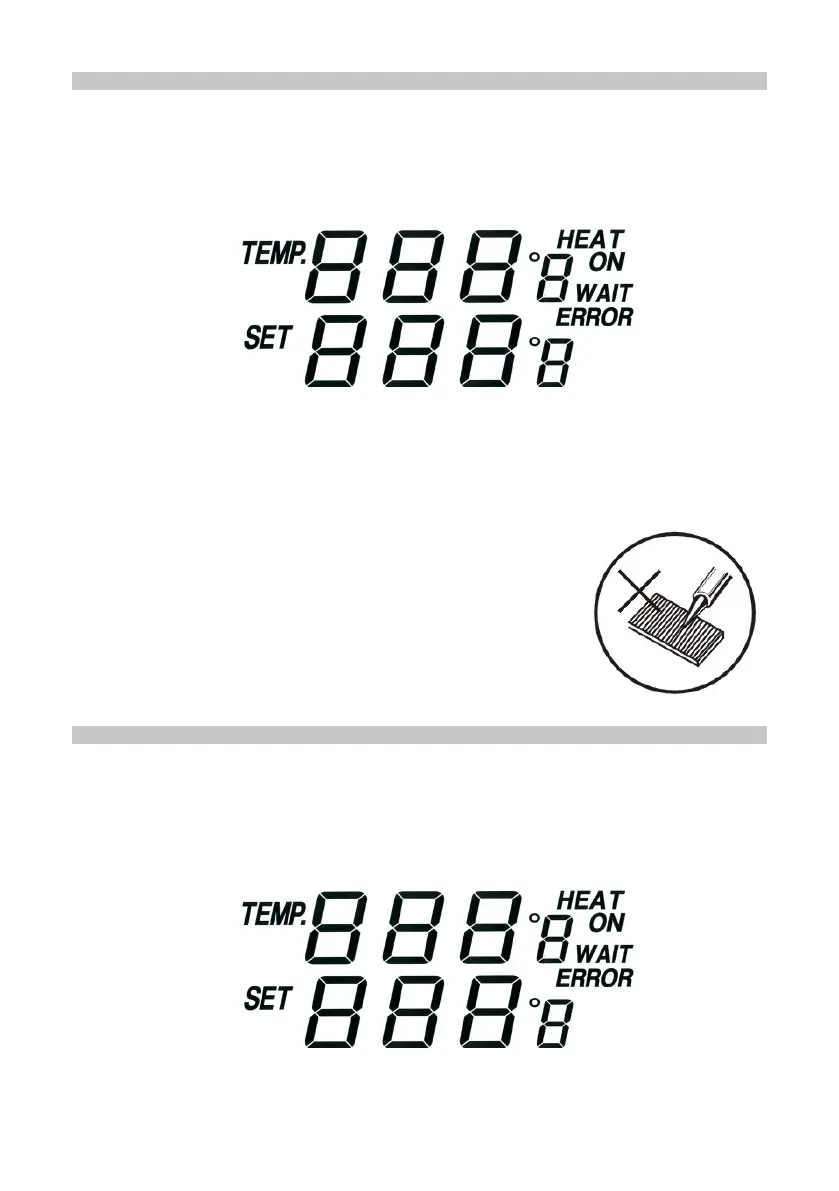
• Adjust the temperature for the iron by pressing the UP or DOWN buttons on the
left side of the station front panel.
• The lower gure is the required temperature, the upper gure shows the actual tip
temperature.
• While the iron is heating up to the required temperature “HEAT ON” displays on
the LCD.
• If the difference between the required temperature and that of the iron tip is greater
than 10° “WAIT” displays on the LCD.
• To change from °C to °F press “
o
C /
o
F” button. The display shows °C or °F after
the temperature gure.
• Never le down the tips or attempt to clean using
abrasives.
• If the tip is worn, replacement tips are available for this
station - see our website or catalogue.
Adjusting the temperature
• Adjust the temperature for the desolder gun by pressing the UP or DOWN buttons
on the right side of the station front panel.
• The lower display is the required temperature, the upper display shows the actual
tip temperature.
• While the iron is heating up to the required temperature “HEAT ON” displays on
the LCD.


 To Next Page