17
2. Icons and symbols
Icons and symbols are used in these operating instructions to make it easier to understand and
use them.
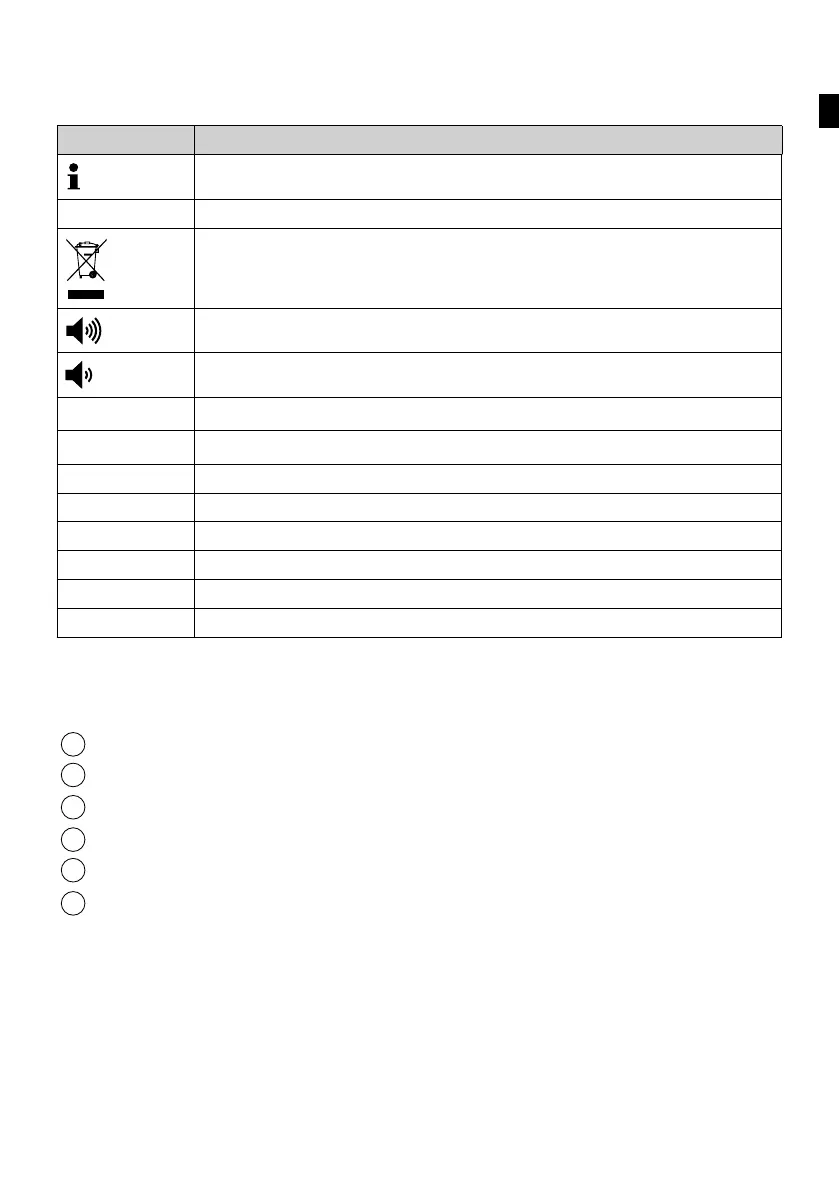
Symbol Meaning
This symbol highlights useful and important product information.
> Action required
Do not dispose of in household waste
Long signal tone
Short signal tone
s Seconds
S1 Service programme1: 5-minute flush stop
S2 Service programme2: Intermittent flushing
S3 Service programme3: System check
S4 Service programme4: Flushing duration
S5 Service programme5: Reset
P1 Flushing programme 1: Standard
P2 Flushing programme 2: Vario
3. Product description
3.1 Design
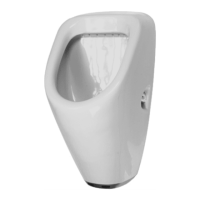
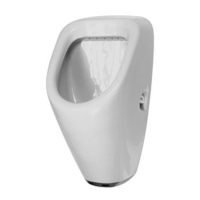
Refer to page3 for a diagram showing the urinal.
1
Magnetic key
2
Solenoid valve
3
Sensor for magnetic key
4
Control unit
5
Shut-off valve with dirt filter
6
6V lithium battery or power supply
3.2 Control unit
The electronic urinal control unit enables touch-free flushing. The electronics for this
operate by using automatic infra-red leg detection. If the urinal has been used for at least
9 seconds, then the flush will automatically be triggered once the user moves away from
the urinal. People walking past or objects continuously left in the control unit’s range do not
trigger flushing. Automatic flushing every 12 hours maintains hygiene and prevents the
build-up of unpleasant odours.
en


 To Next Page
 Loading...