64
6.2. Key functions
6.3. Alert icons
These icons are displayed above the «service mode» and «regeneration mode» icons alternately
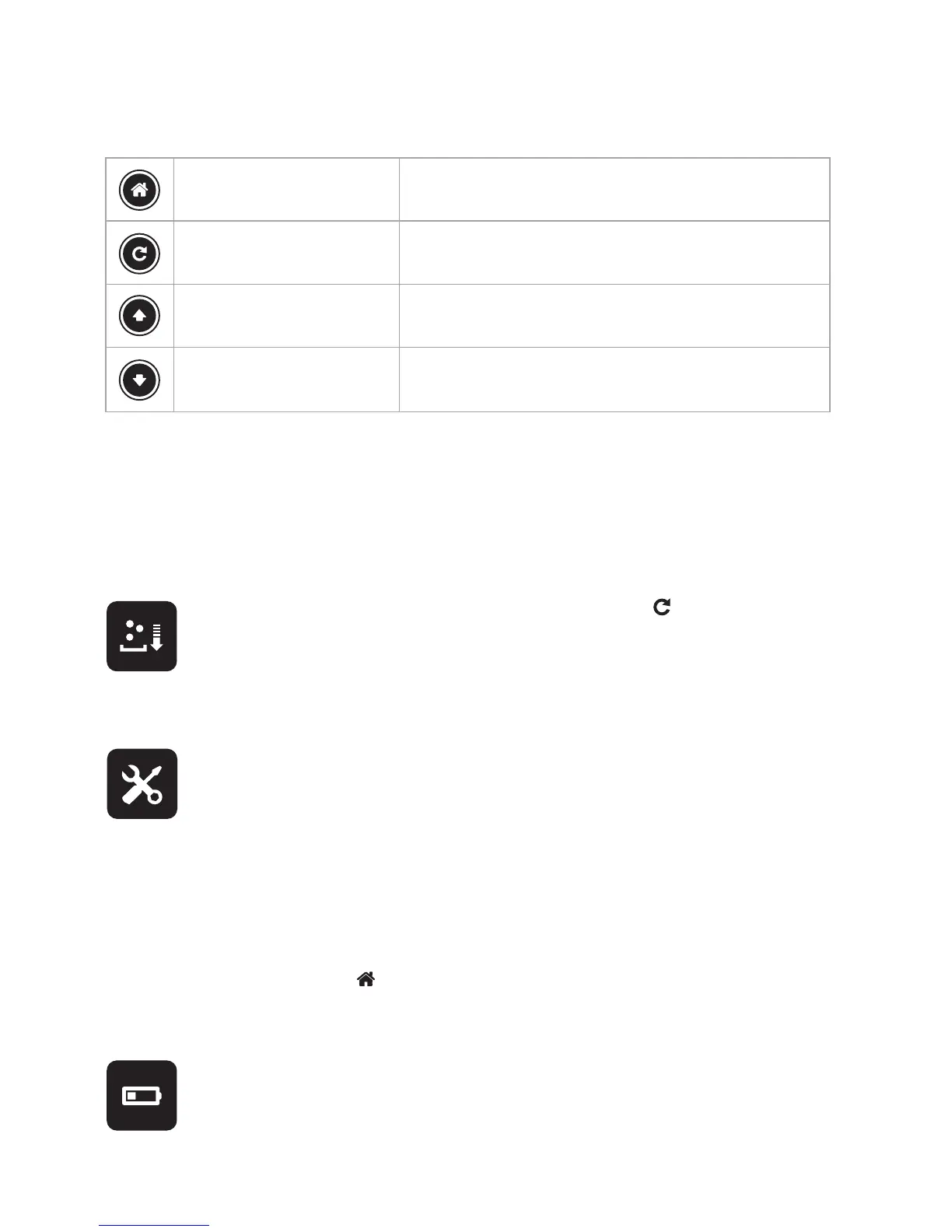
MENU/BACK KEY
REGENERATION/SET KEY
UP KEY
DOWN KEY
- to access the menu
- has the function of the «back” key = return to the previous screen
- to trigger immediate regeneration.
- has the function of the «set» key (to validate a change in value)
- to decrease a parameter value.
- to navigate between icons
- to increase a parameter value
- to navigate between icons
If this icon appears, fill up the salt tank with a maximum of salt tablets and tap to trigger regeneration
and automatically place the alert parameters to zero. The alert is triggered when salt levels have dropped to
between 10 and 15 cm (a safety level).
Do not add salt in between alerts.
If this icon appears, contact the Durlem after-sales department to get your water softener serviced. This alert
is calculated on the basis of the last service or the commissioning of your water softener. It is triggered once
a year (365 days) has gone by. When this alert is activated, your water softener will continue to work as nor-
mal. It will be re-commissioned when your technician services it.
The technician activates this alert at the time of commissioning when you take out a maintenance contract or
during the first service under contract. The icon comes up on the date the alert is activated.
The LEAK alert is triggered when there is a continuous flow of minimum 2 litres/minute over a period of 8 hours. An alert
message appears on the display to warn you about this continuous water use.
To clear the message from the display, tap
6.3.1. SALT alert
6.3.2. SERVICE alert
6.3.3. LEAK alert
The scheduler is fitted with a battery to maintain its memory. Please call the Durlem after-sales department
when this icon appears on the display.
6.3.4. BATTERY alert
ENGLISH



 To Next Page