31
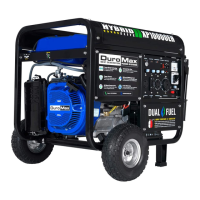
Turn breaker ON and connect
The breaker is located on the right side of the front power
panel. Flip the breaker up to allow the power to ow to the
receptacles. Connect your devices to the receptacles on the
front panel. Start with the largest loads rst.
7.
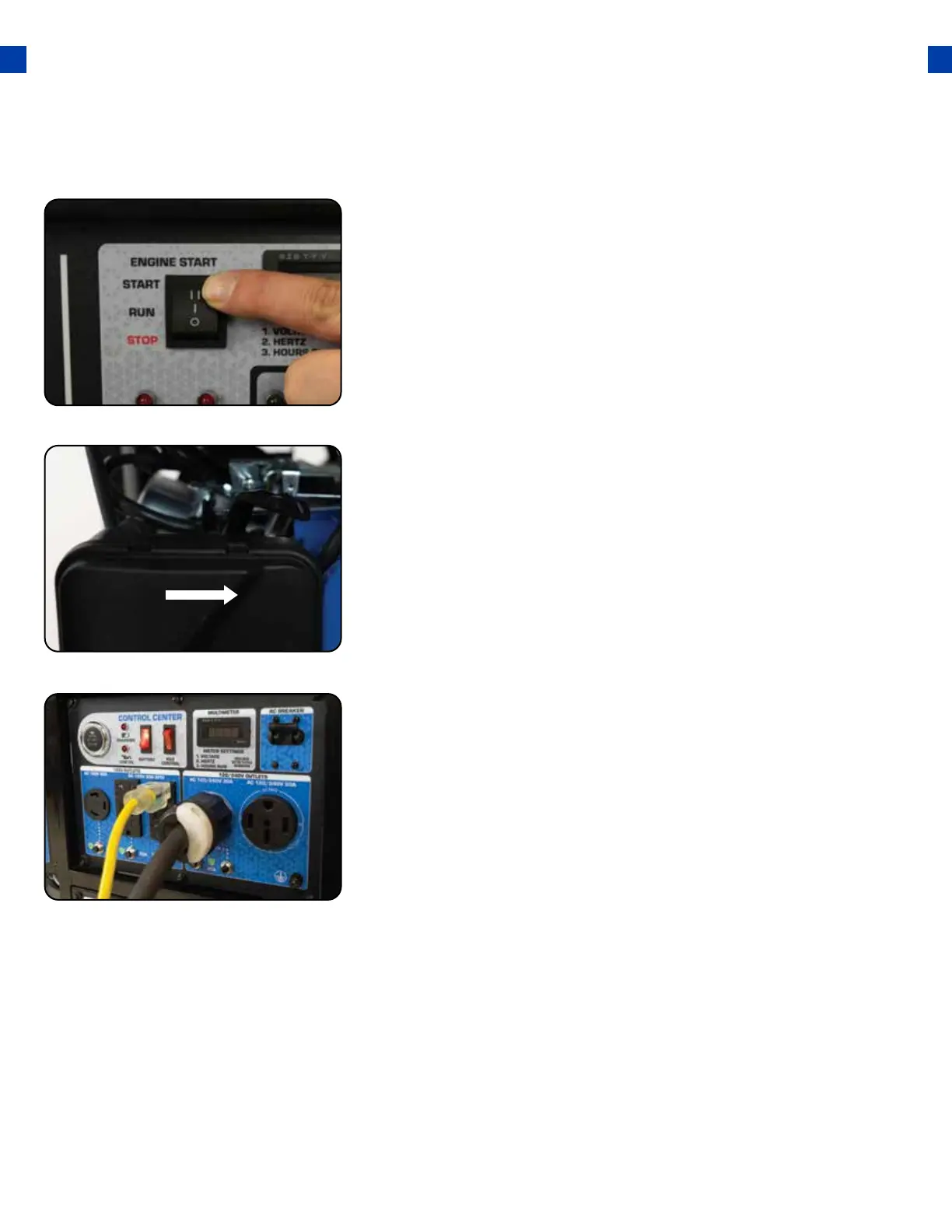
The engine switch is located on the left side of the front
power panel. Flip the switch up to the “START” Position.
When the engine starts, allow the engine switch to return
to the “RUN” position.
Start the generator
5.
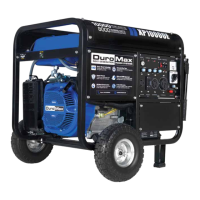
Open choke
Push the choke to the OPEN position as the engine warms up.
6.




 To Next Page