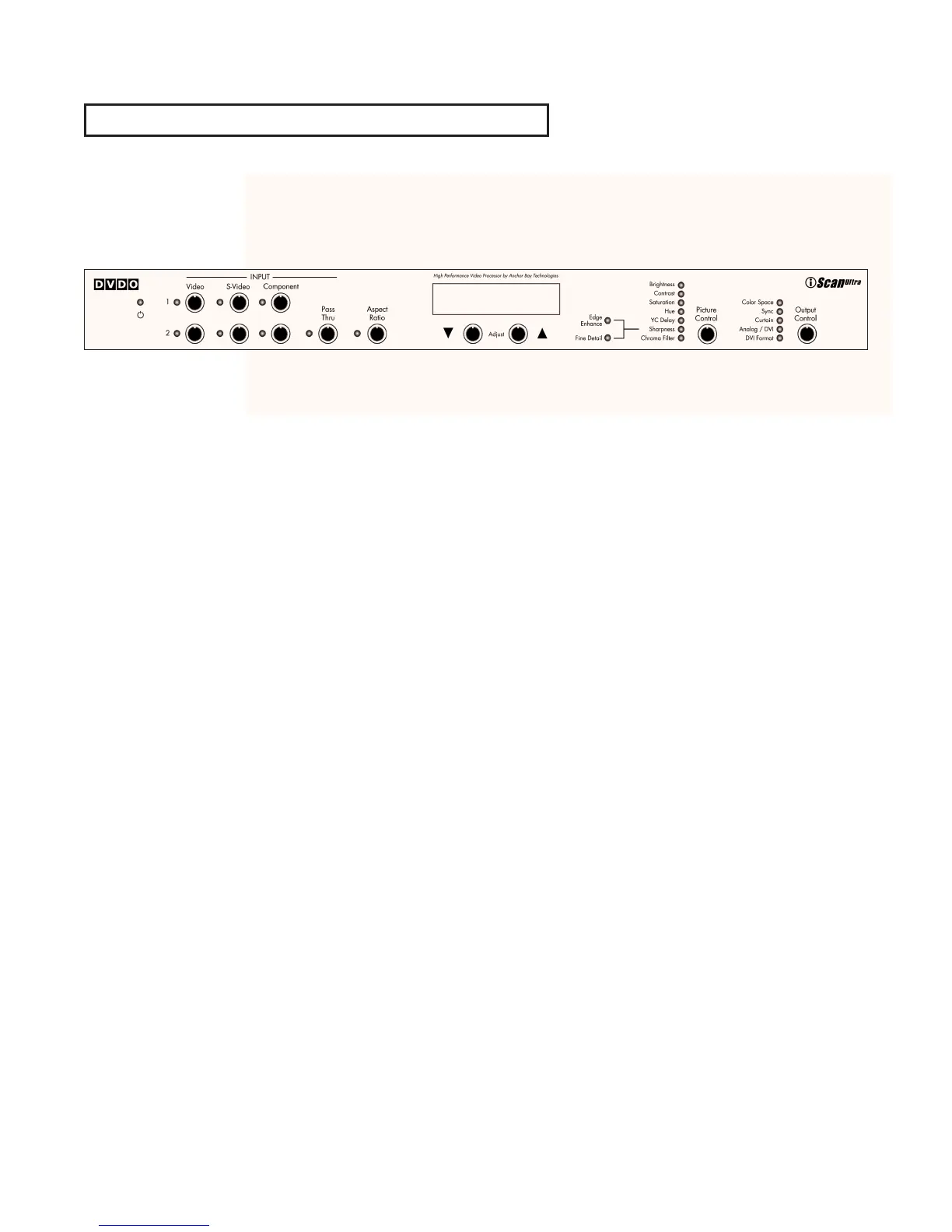
Thank you for purchasing the iScan
Ultra™ Video Processor, featuring the
world’s most popular video processing
technology as created by the Anchor Bay
Technologies Team. This product delivers
a level of video quality among the very
highest available today.
The carton of your iScan Ultra should
contain the following components:
䊳
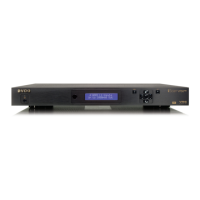
iScan Ultra Video Processor
䊳
Universal 6V/2A AC to DC power
converter
䊳
Power cables –
US and UK cords supplied
䊳
Remote control
䊳
Composite video input cable
䊳
S-Video input cable
䊳
Component video input cable
䊳
This Product Guide
Please note that your new iScan Ultra
does not include a video output cable.
The iScan Ultra uses a 15-pin HD-15
(VGA) connector and a DVI connector to
provide video output. You must purchase
an output cable to connect from one of
these outputs to your projector,
HD-compatible TV, or other display
device. Different displays have different
input connectors, so please check your
display specifications to ensure
compatibility. Even though the HD-15
connector is commonly used on personal
computers for RGB video, the iScan Ultra
is capable of outputting either RGB or
Y-Pb-Pr (Component) video formats from
this connector. This is explained in detail
in the Output Control section of this
Product Guide.
3
Introduction



 To Next Page