99
Chapter 14
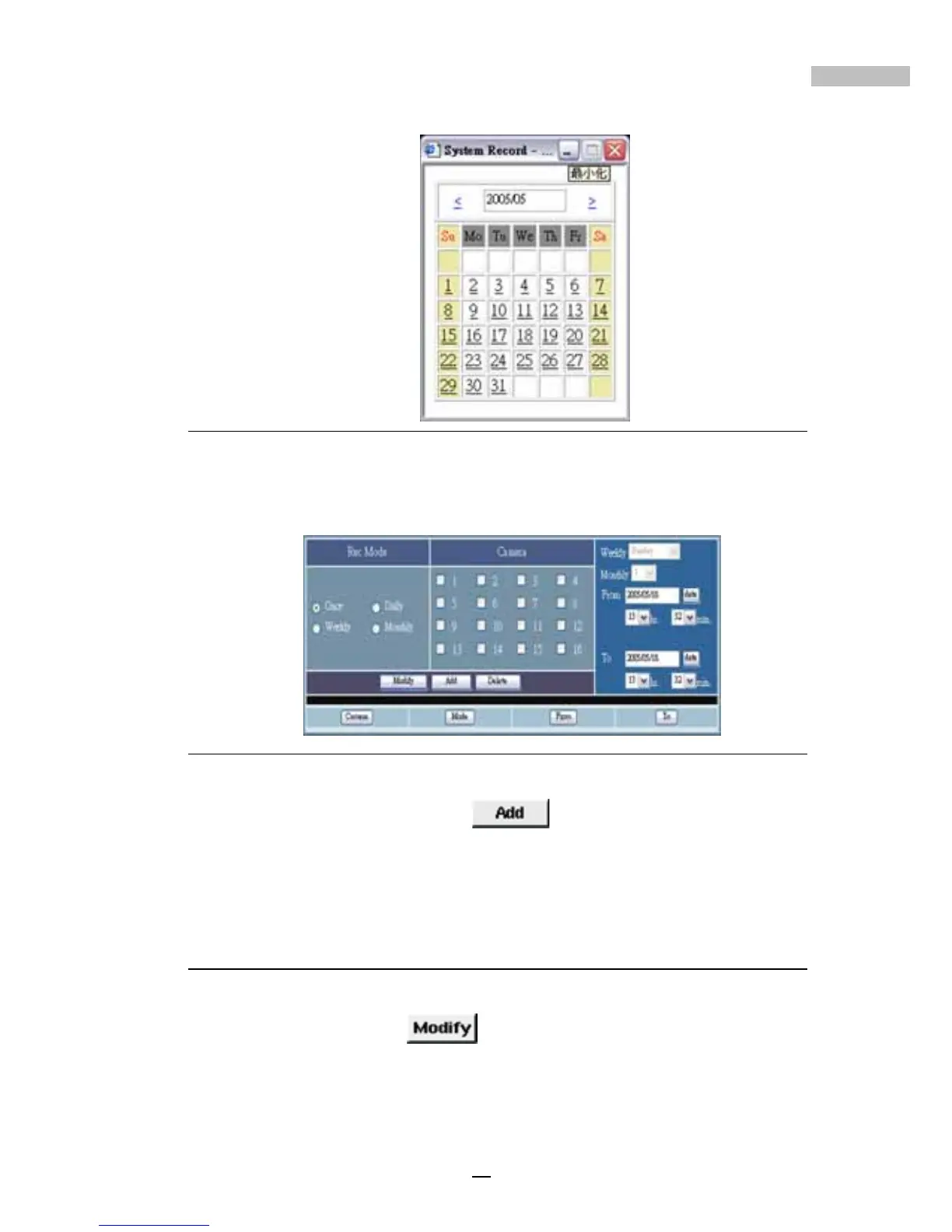
Figure 14-28: date
2.Then click to choose the right Hour and Minute.
Figure 14-29: Remote Schedule Window
3.Once complete, click “Add” to activate the settings. After
you have completed all schedule settings you can view a log of all
changes at the bottom of the window.
Modifying Scheduled Settings
1.Click the data you wish to modify
2.Click the “Modify”
button after having changed the
scheduled settings.



 To Next Page