98
19.Motion Detection —
a. Sensitivity — from 1 to 5
b. Differentia — from 1 to 10
After changing the settings, click the “OK” button to complete the setting; or
click the “Cancel” button to reset.
Remote Schedule Configuring
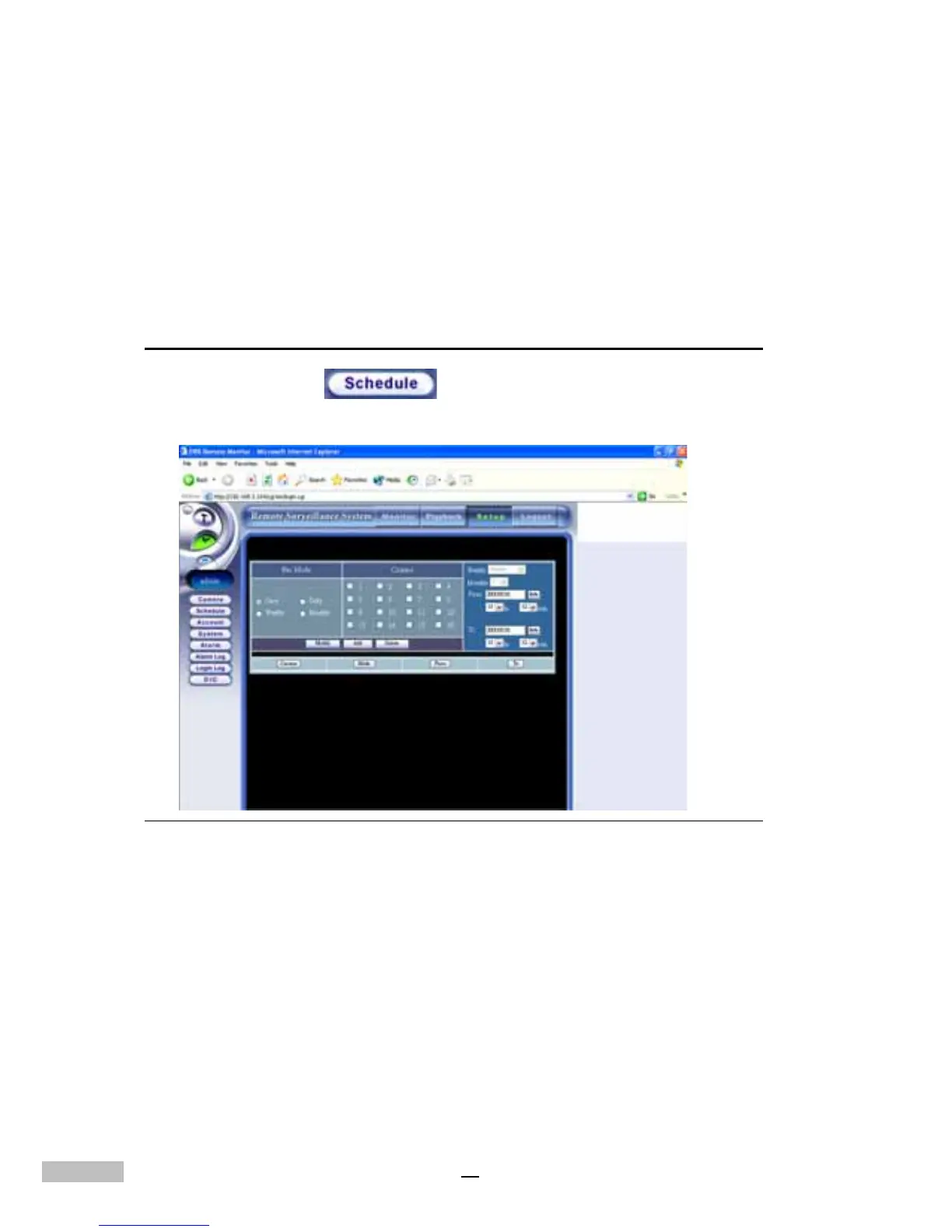
Click the “Schedule” link to view the Remote Schedule Set-
tings
Figure 14-27: Remote Scheduling Window
The remote schedule screen is divided into various parts for easy
configuration. Select the “Rec Mode”, and “Camera” to start the configuration.
1.Click the “Date” Icon, and a pop-up calendar window will appear
for you to select Year, Month and Day.



 To Next Page