77
Chapter 13
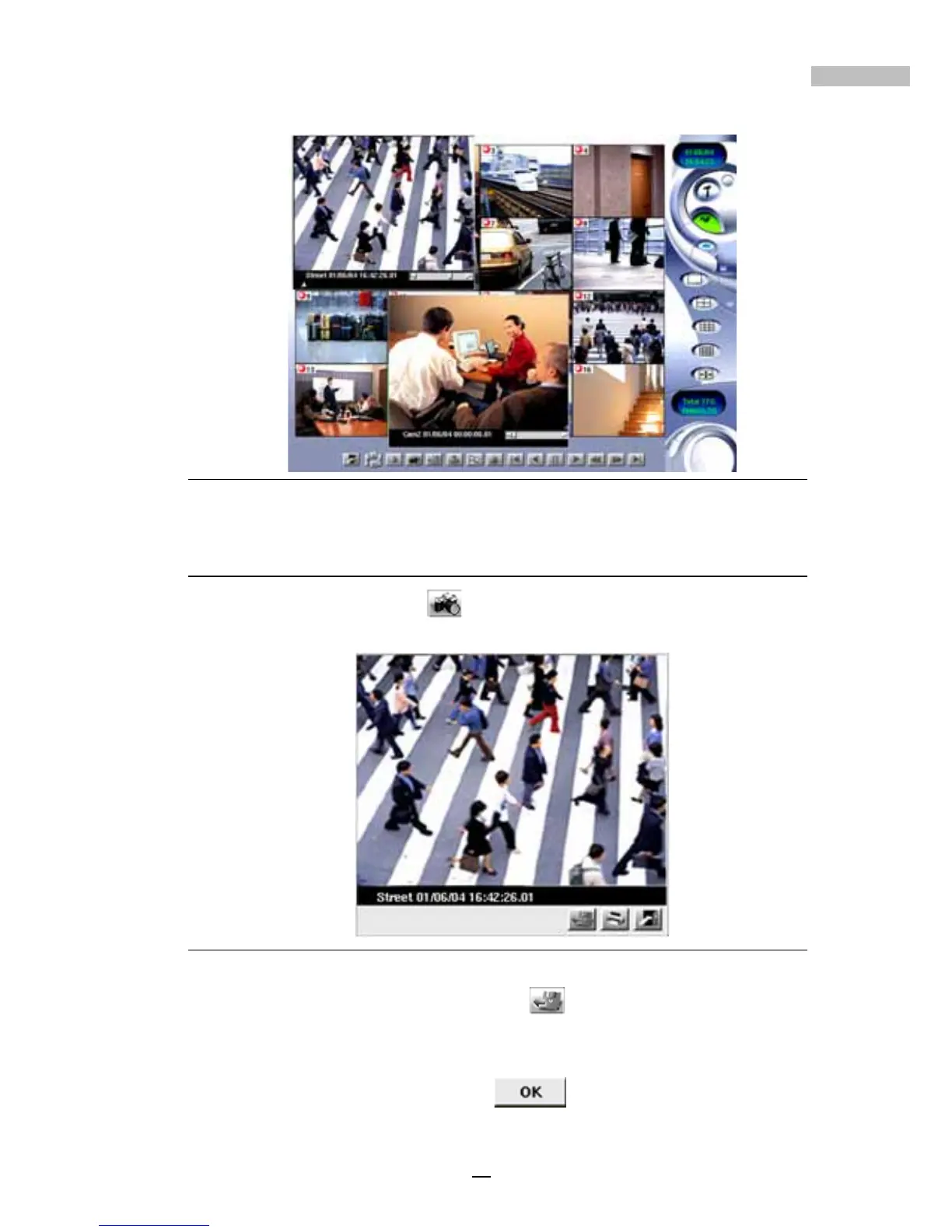
Figure 13-20: Viewing More Than One Playback Image
Printing an Image
1.Click the “snapshot” icon to pop up a new window to show the
image.
Figure 13-21: Snapshot
2.Click the bottom tool bar “export” icon to save the image
individually. The system will let you choose the ways to export and
the place to save, and also the file name. After keying in the
information, please click “OK”
to confirm.



 To Next Page