78
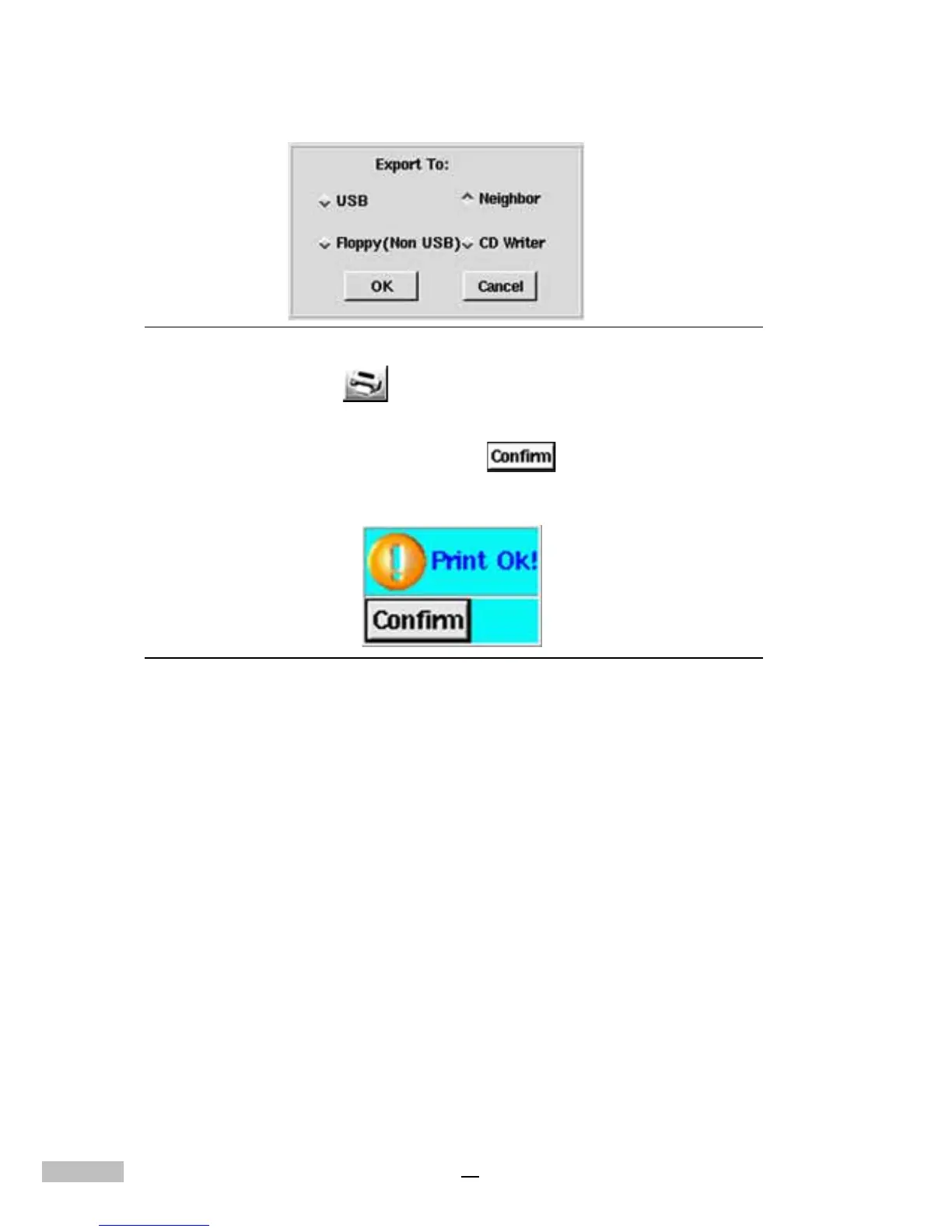
Figure 13-22: Export Devices Selection
3.Click the “print” icon to print out the image individually. If you
print it out successfully, the screen will pop up a new window to
show you. please click “Confirm”
to indicate that the files
have printed out.
Figure 13-23: Print OK Window



 To Next Page