101
Chapter 14
a.Type Authority: Administrator or Normal user
b.Access Authority:
User can give the rights for control PTZ camera, playback record-
ing data, and access the accessible cameras. Remote user can
give the rights for changing password, remote setup furthermore.
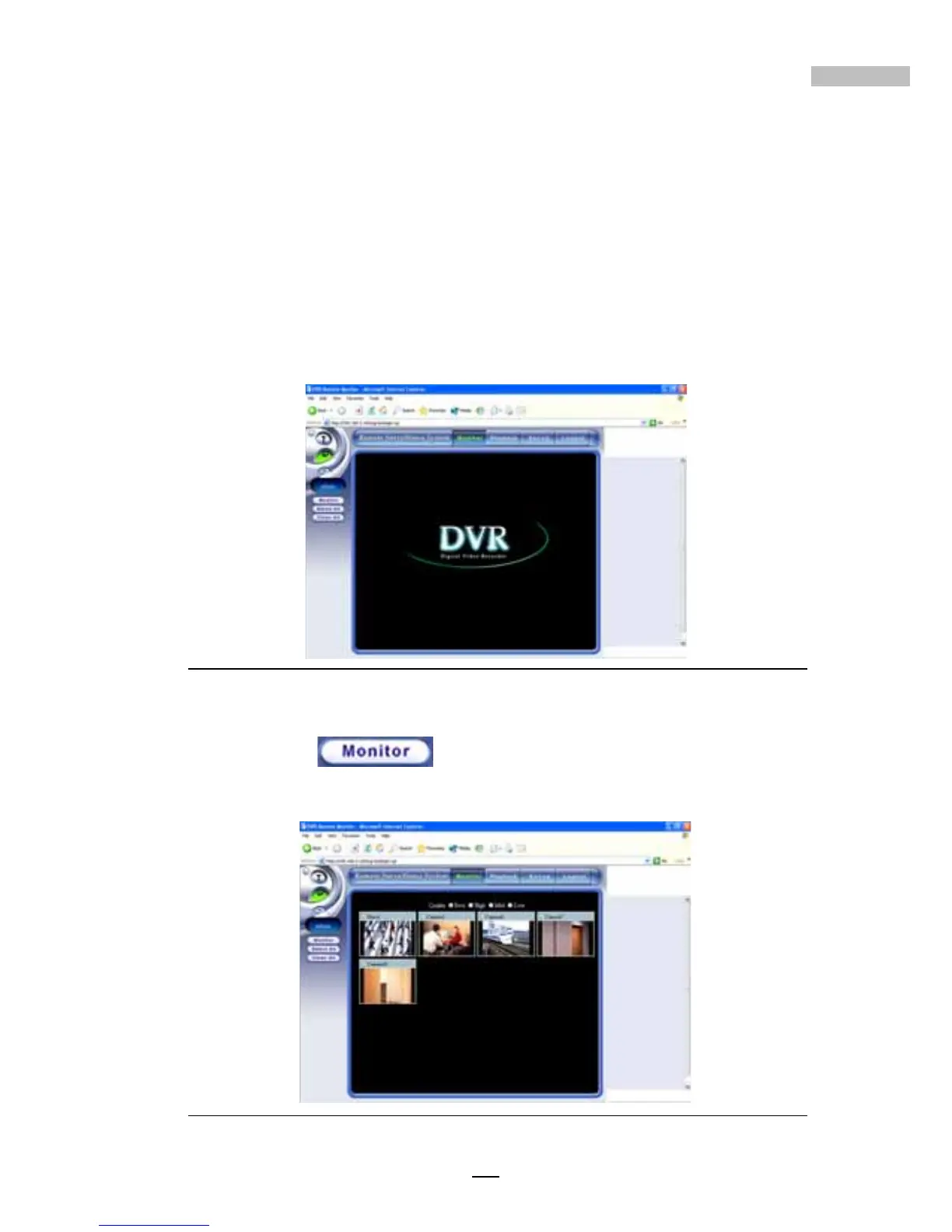
As a normal user, your access authority is limited in some aspects. When
you log on, a window will appear as below.
Figure 14-32: Normal Account Screen
Click “Monitor” to show the camera's images that been speci-
fied during setup time.
Figure 14-33: Normal Account Logon Screen



 To Next Page