116
3. Click the slice4, slice9, or slice16 to select 4-camera, 9-camera, or 16-
camera synchronous multi-playback respectively.
4. Click “OK” and then click the icon
to playback.
5. You can use “Hour” and “Minute” to change
the start playback time.
(Ex. Click
the hour, the playback time will be changed from 14:00
to 15:00.)
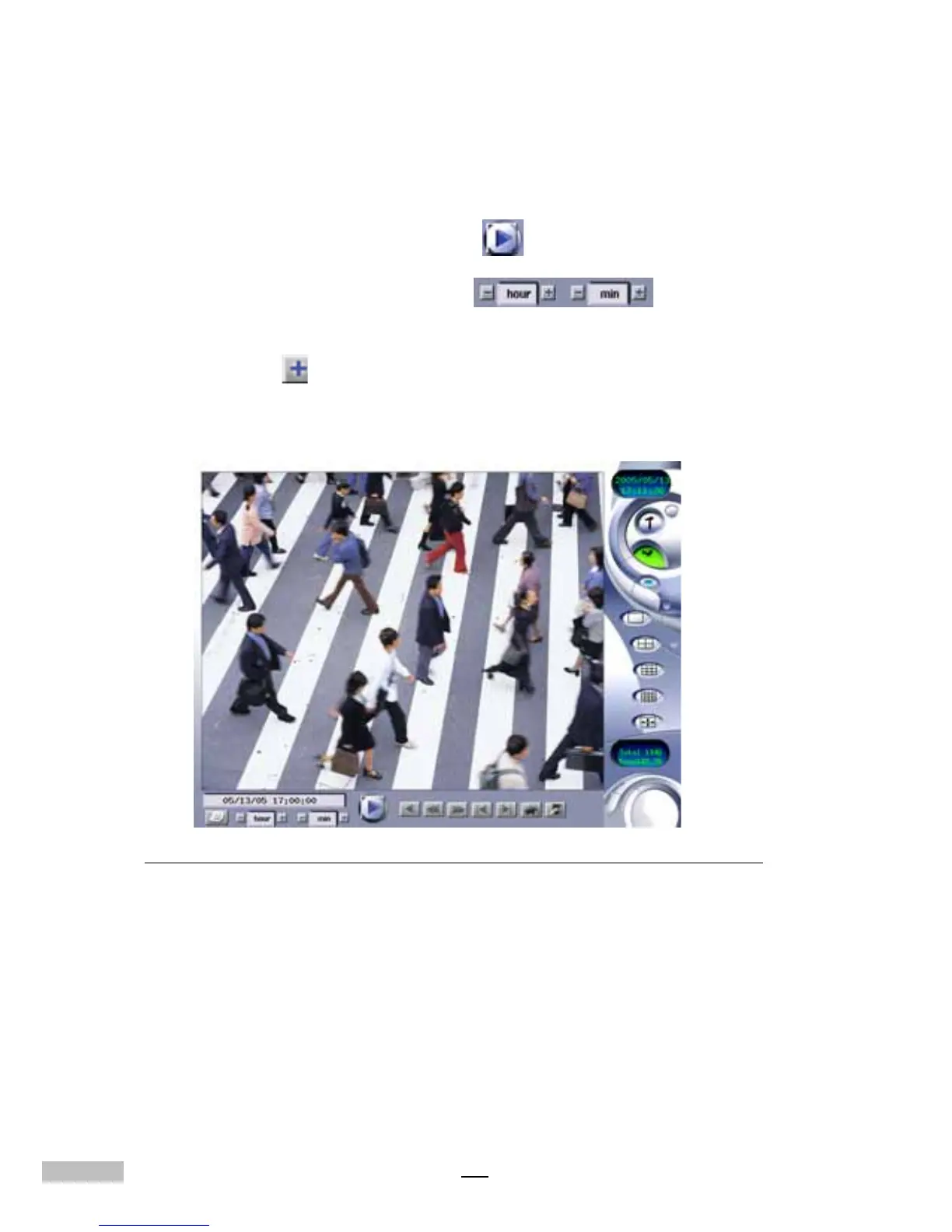
6. You can click any camera view to zoom out its image.
Figure D-3: Zoom out the image of camera



 To Next Page