10
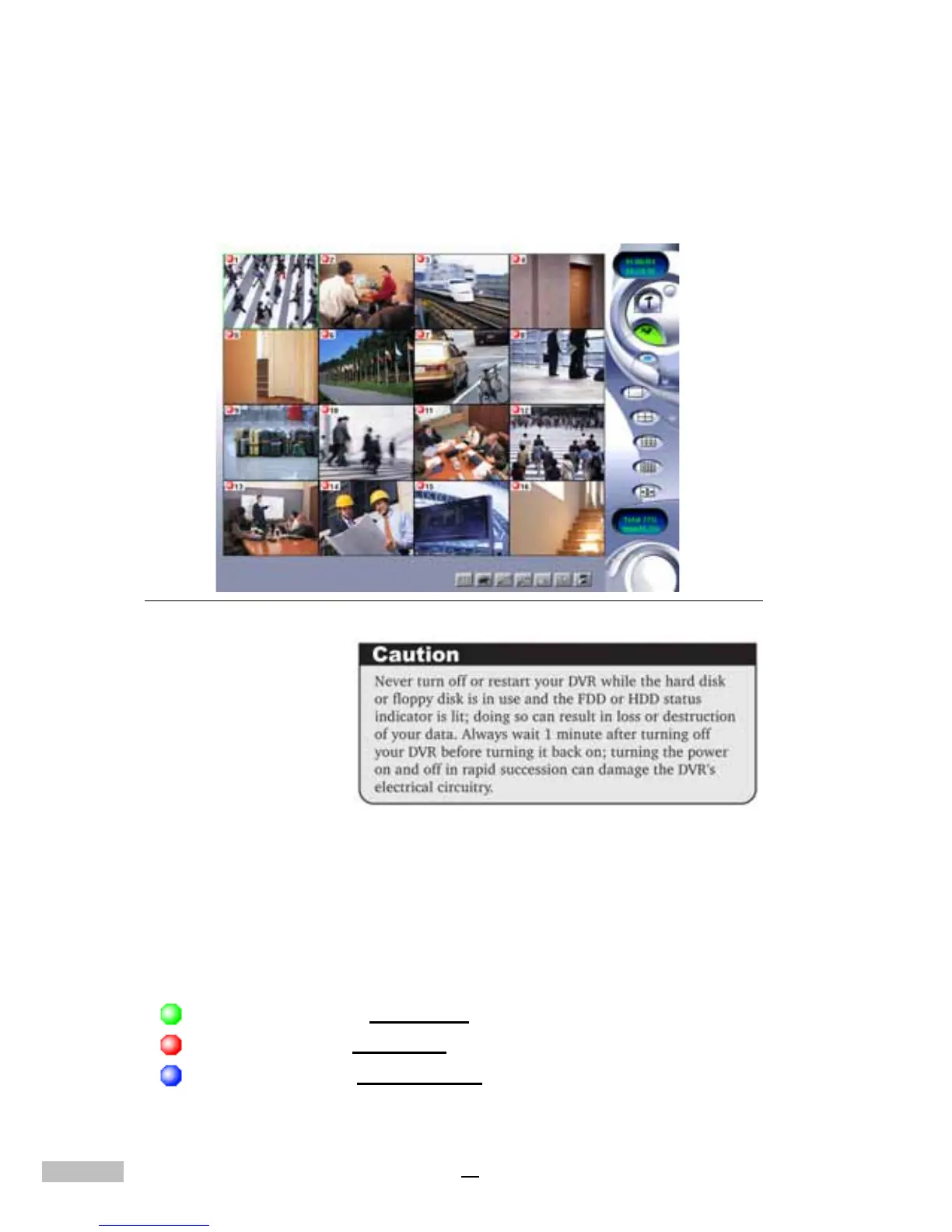
Once the boot process is complete, the Digital Video Recorder will directly
display all the connected cameras (see Figure 2-2), enabling the user to
check them conveniently. If there is a screen displaying NO SIGNAL in blue,
it means the respective camera is either inactive or not working. Please refer
to your camera manual for further assistance.
Figure 2-2: The first viewable screen (Main Screen)
The first viewable screen not only gives the user a first glance at the GUI
(Graphical User Interface) but also shows all of the connected cameras. The
viewable screen takes up 75% of the screen, while the controls are posi-
tioned to the right of the viewable cameras.
Status Lights:The lights on the top left corner show the status of recording
operation. There are Red Lights, Blue Lights and Green Lights.
Green Light e means
Scheduled
Red Light e means recording
Blue Light e means
no recording



 To Next Page