24
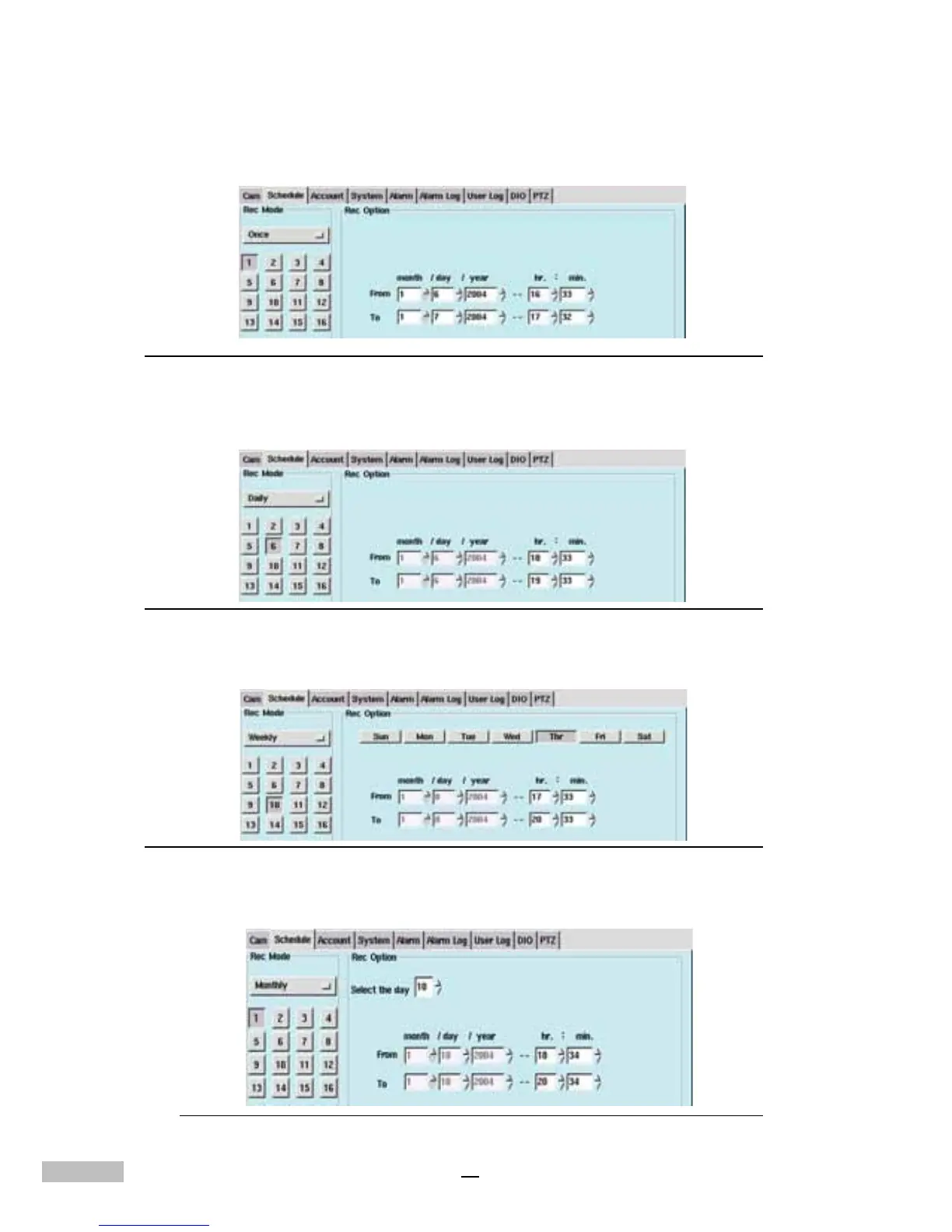
3.Under REC Mode (Record Mode), users have four choices:
i. Once - Provides a recording option for a specified period of time
Figure 5-2: Record Mode Selection Bar (Once)
ii. Daily - Provides a recording option for Hours and Minutes every
day.
Figure 5-3: Record Mode Selection Bar (Daily)
iii. Weekly - Provides a recording option for users to set the day
(Sun. through Sat.) and time for recording every week.
Figure 5-4: Weekly Schedule Settings
iv. Monthly - Provides a recording option that allows users to set the
date and time for recording every month.
Figure 5-5: Monthly Schedule Settings



 To Next Page