52
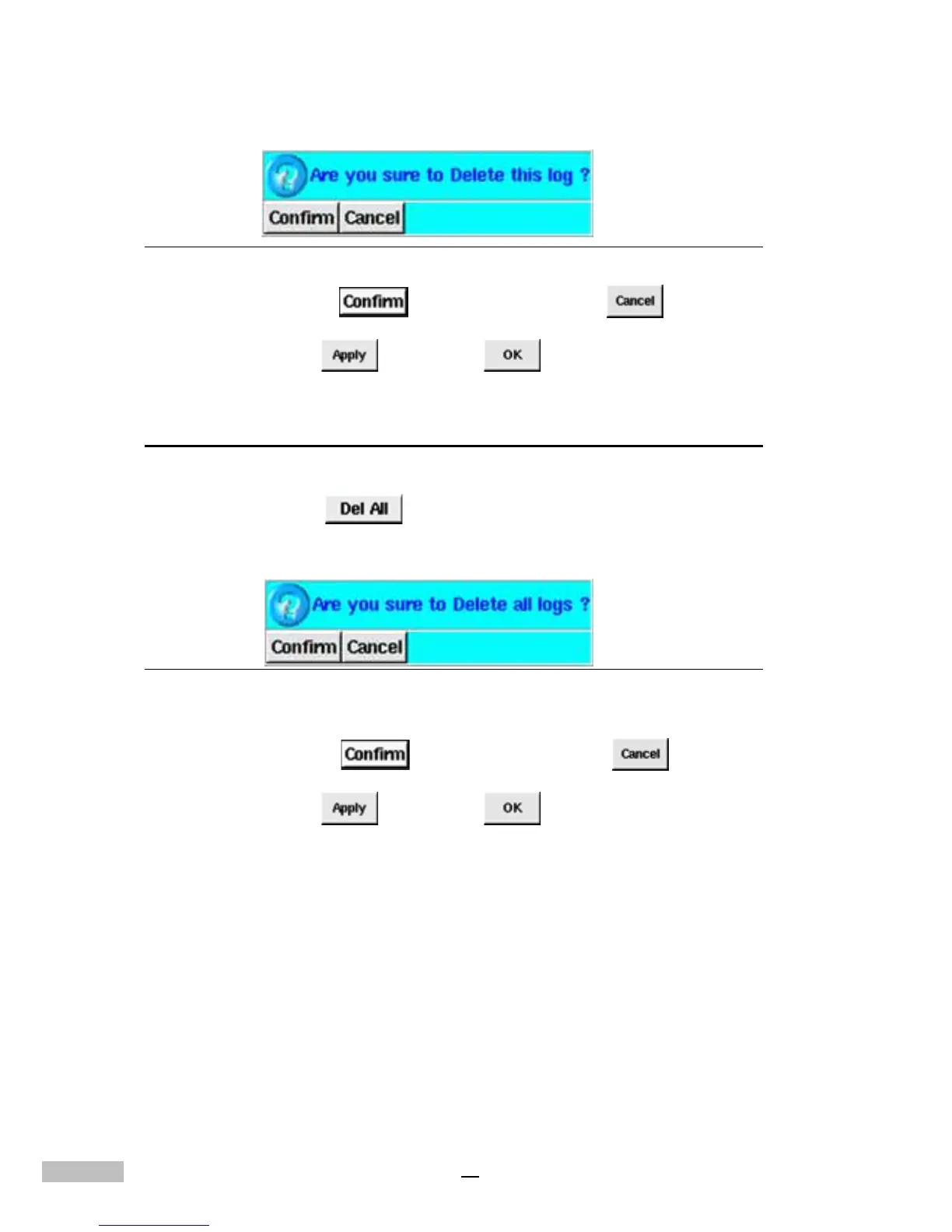
Figure 9-2: Confirmation Window
5.Click “Confirm” to continue or “Cancel” to reset.
6.Click “Apply” , then “OK” to complete the task.
Deleting All Logs
1.Click the “Alarm Log” Tab
2.Click “Del all” .
3.A confirmation pop-up screen will appear asking you to reconfirm .
Figure 9-3: Confirmation Window
4.Click “Confirm” to continue or “Cancel” to reset.
5.Click “Apply” , then “OK” to complete the task.



 To Next Page