81
Chapter 14
The Main Remote Surveillance Screen has four sections to it. They are
Monitor, Playback, Setup, and Logout.
• Monitor — Click this area to monitor image preview and real-time
recording.
• Playback — Click this area to view playback of the recorded files.
• Setup — This section has 8 different settings: Camera, Schedule,
Account, System, Alarm, Alarm Log, User Log and GPIO.
• Logout — Click this area to close all operations and return to the
login screen.
Let’s go over the following sections one-by-one in detail.
Monitoring
1.Click the “Monitor” button.
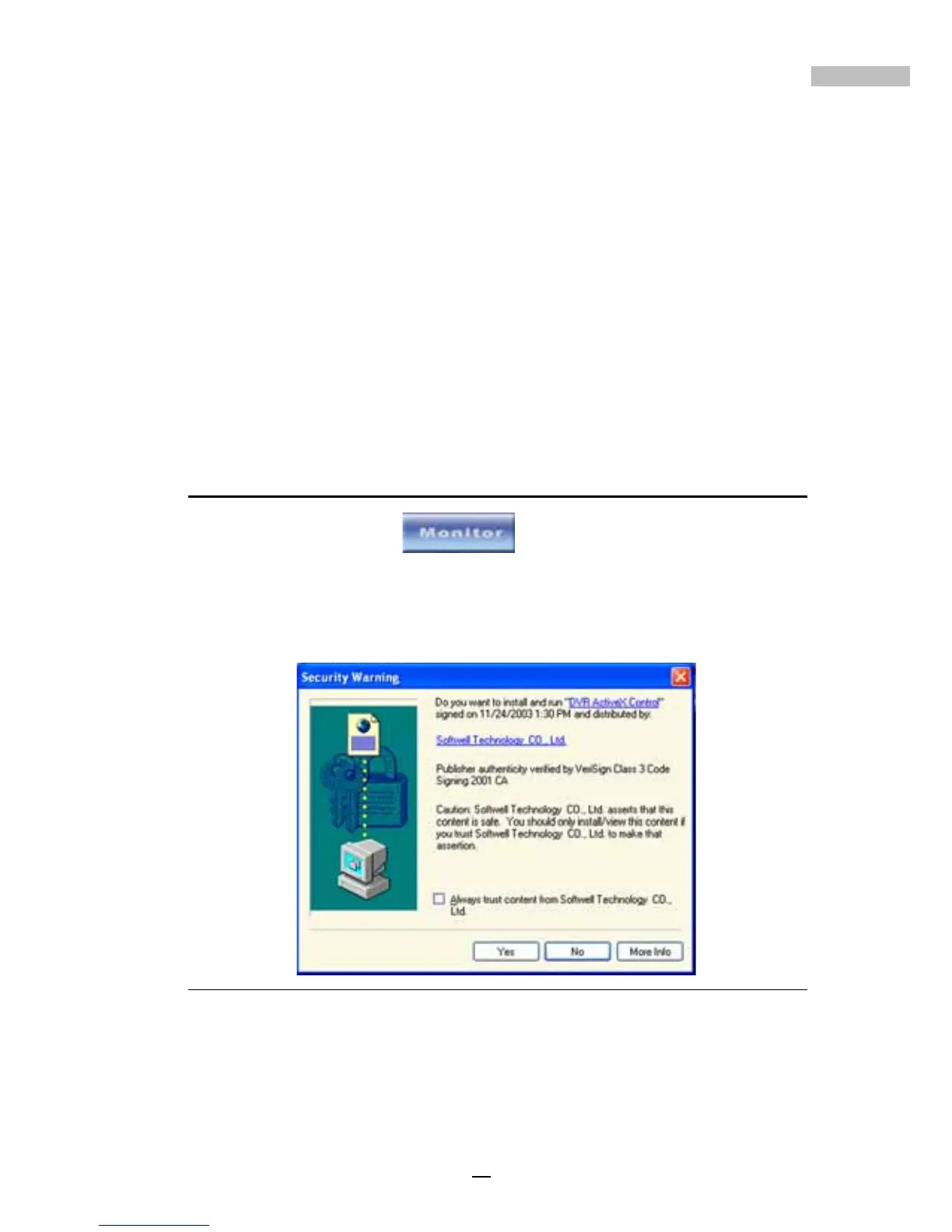
When you use the DVR system for the first time, a warning window will
appear outlining the problems of using Active X. For more information please
refer to Appendix F.
Figure 14-4: ActiveX Warning
Once you have clicked the “Monitor” button, the real-time monitoring pre-
view screen will appear; every camera connected to the DVR has its respec-
tive screen. These are static images taken from the respective cameras.



 To Next Page