85
Chapter 14
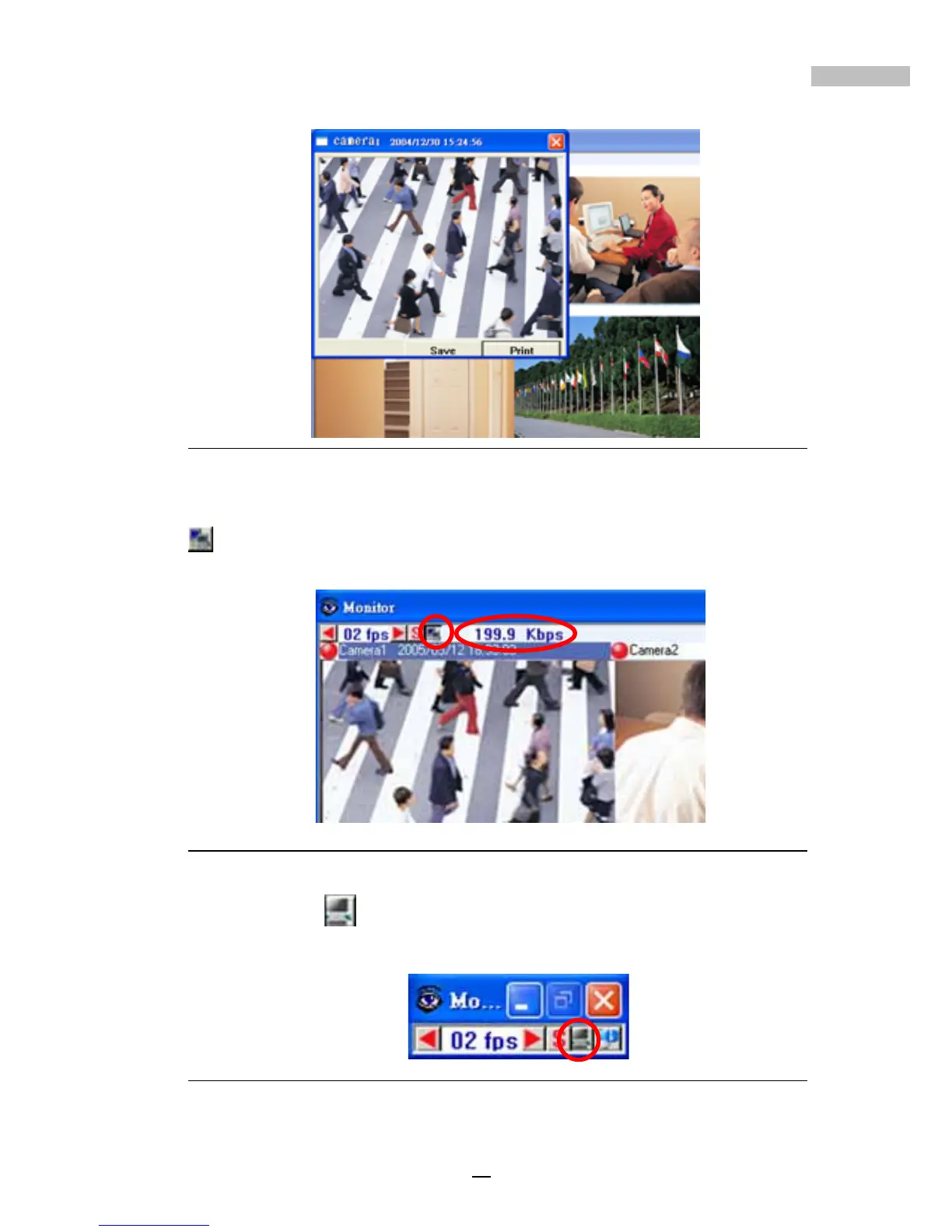
Figure 14-10: Focused camera image export (2)
as the icon for displaying bandwidth, click it to display the bandwidth,
click again to hide the information
Figure 14-11: show the bandwidth
The second icon on the upper right side of the real time monitor window
may be used to minimize the window.
Figure 14-12: Minimize real time monitor window



 To Next Page