90
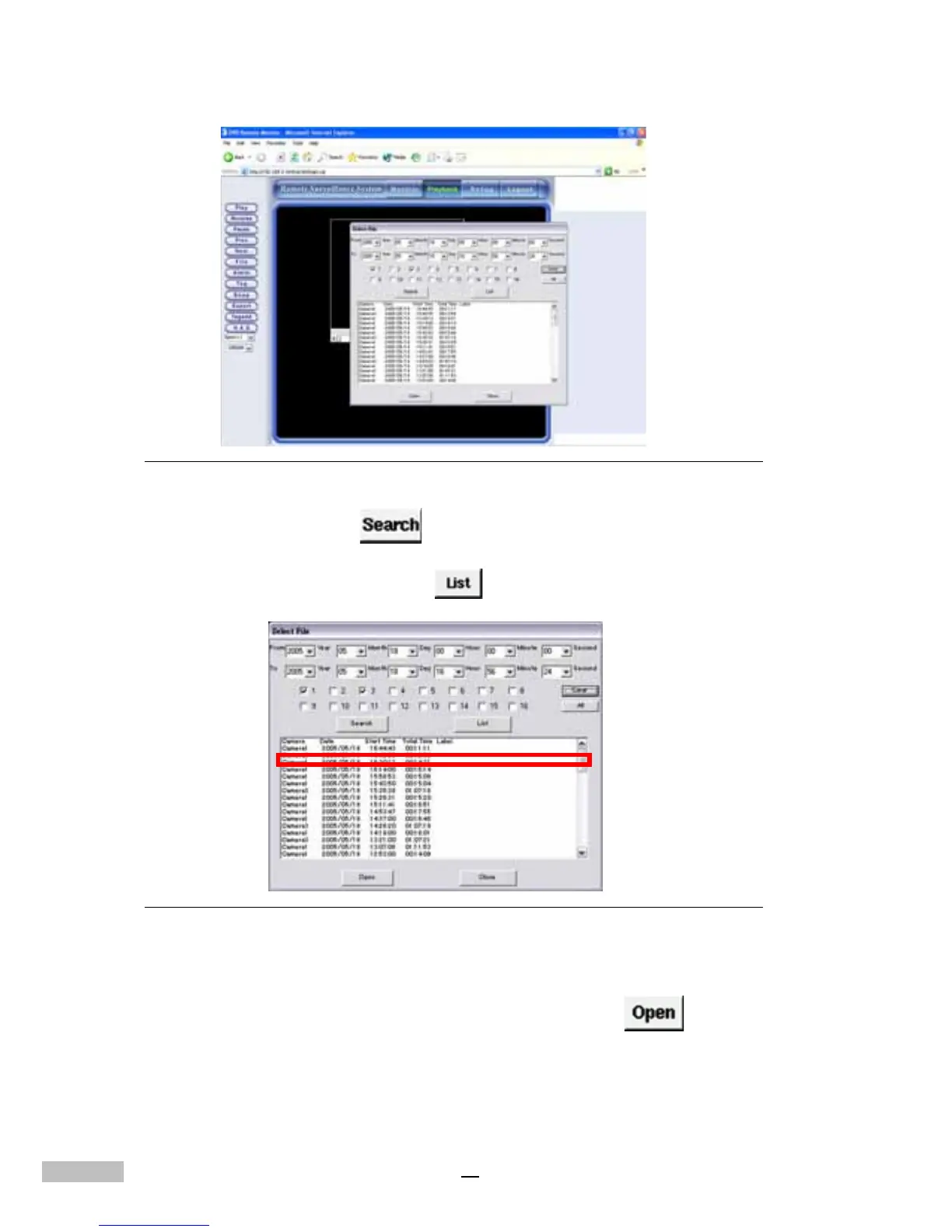
Figure 14-15: Playback by File Remotely
3.Click the “Search” button to list all recorded data for that
particular time frame.
4.You may also click the “List”
button to list all the recorded files.
Figure 14-16: Information on File Selection
5.Move the mouse to the file you want to play, and double-click the file
to play it. Or, you can click it, and press the “Open” button
below to play the file.
6.When you want to see an enlarged image, just click on the operation
options to enlarge it.



 To Next Page