DVTel CF-4221-00 Fixed IP Camera User & Installation Guide
89
Video Rotate Type
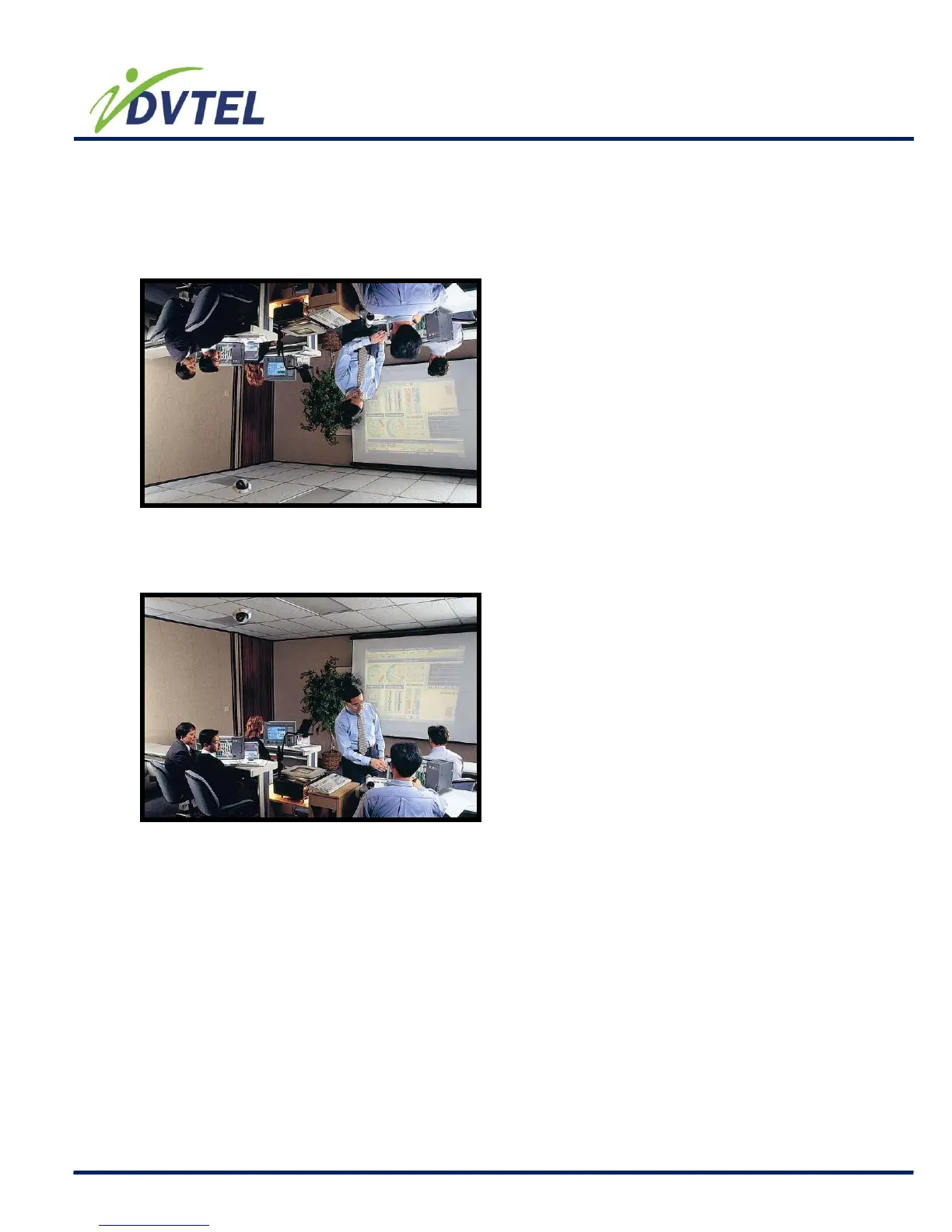
Users can change video display type if necessary. Selectable video rotate types include
Normal, Flip, Mirror and 180 degree. Differences among these types are illustrated as below.
Suppose the displayed image of the IP Camera is shown as the figure below.
To rotate the image, users can select “Flip”, for instance. Then the displayed image will be
reversed as shown below.
The following is descriptions for different video rotate type.
Flip
If select <Flip>, the image will be rotated vertically.
Mirror
If select <Mirror>, the image will be rotated horizontally.\
90 Degree Counter/ Clockwise
Selecting <90 Degree Counter-/clockwise> will make the image 90° counter-
/clockwise inversed.
180 Degree
Selecting <180 Degree> will make the image 180° counter-/clockwise
inversed.



 To Next Page