EasyManua.ls Logo

dymax UVCS 2.0 - User Manual

dymax UVCS 2.0
24 pages
Print Icon
To Next Page IconTo Next Page
Loading...
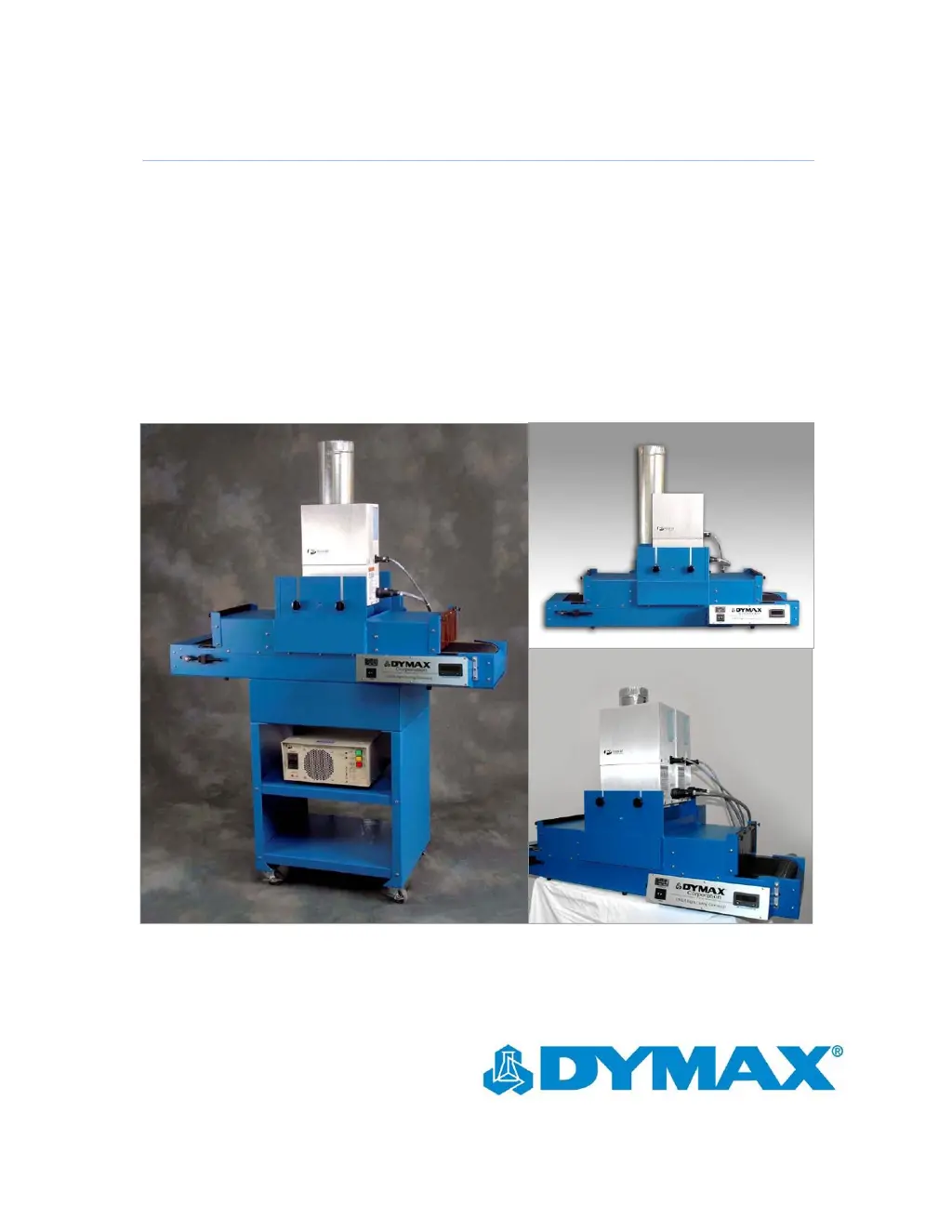
UVCS Version 2.0 and UVCS 39 User Guide
For Use with Fusion Flood Lamps
Instructions for Safe Use
Setup and Operation
Maintenance
Ordering Spare Parts and Accessories

Questions and Answers

  • R
    rachel81Aug 9, 2025
    How to troubleshoot a dymax Accessories conveyor that is not operating?
    • N
      nicholsshannonAug 9, 2025
      If the dymax Accessories conveyor is not operating, first check if the Main-Line Circuit Breaker has been deployed. If so, toggle the Power Switch off, then on, to reset it. Also, make sure the Power Cord is properly fastened. Check the Fuses for the Motor Controller and replace them if they are defective. Ensure the Belt is not hung up; resolve any binding issues. Finally, if the Power Switch lights and the Motor turns but the Belt does not move, the Belt tension may be too low. Use the Tracking Adjustment Knobs to increase the tension, turning both Knobs equally to maintain alignment.
  • K
    kramercodyAug 25, 2025
    What to do if the belt tracks to one side on my dymax UVCS 2.0?
    • D
      Daniel VaughnAug 26, 2025
      If the belt tracks to one side on your dymax Accessories, it's likely that the Belt-Adjustment Knobs are out of position. To fix this, tighten the Adjustment Knob on the side the Belt is tracking towards until the Belt tracks straight. Make only minor adjustments at a time.

dymax UVCS 2.0 Specifications

General IconGeneral
Branddymax
ModelUVCS 2.0
CategoryAccessories
LanguageEnglish