EasyManua.ls Logo

Dymo LabelWriter 450 Turbo - User Manual

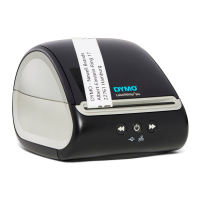
Dymo LabelWriter 450 Turbo
29 pages
Print Icon
To Next Page IconTo Next Page
Loading...
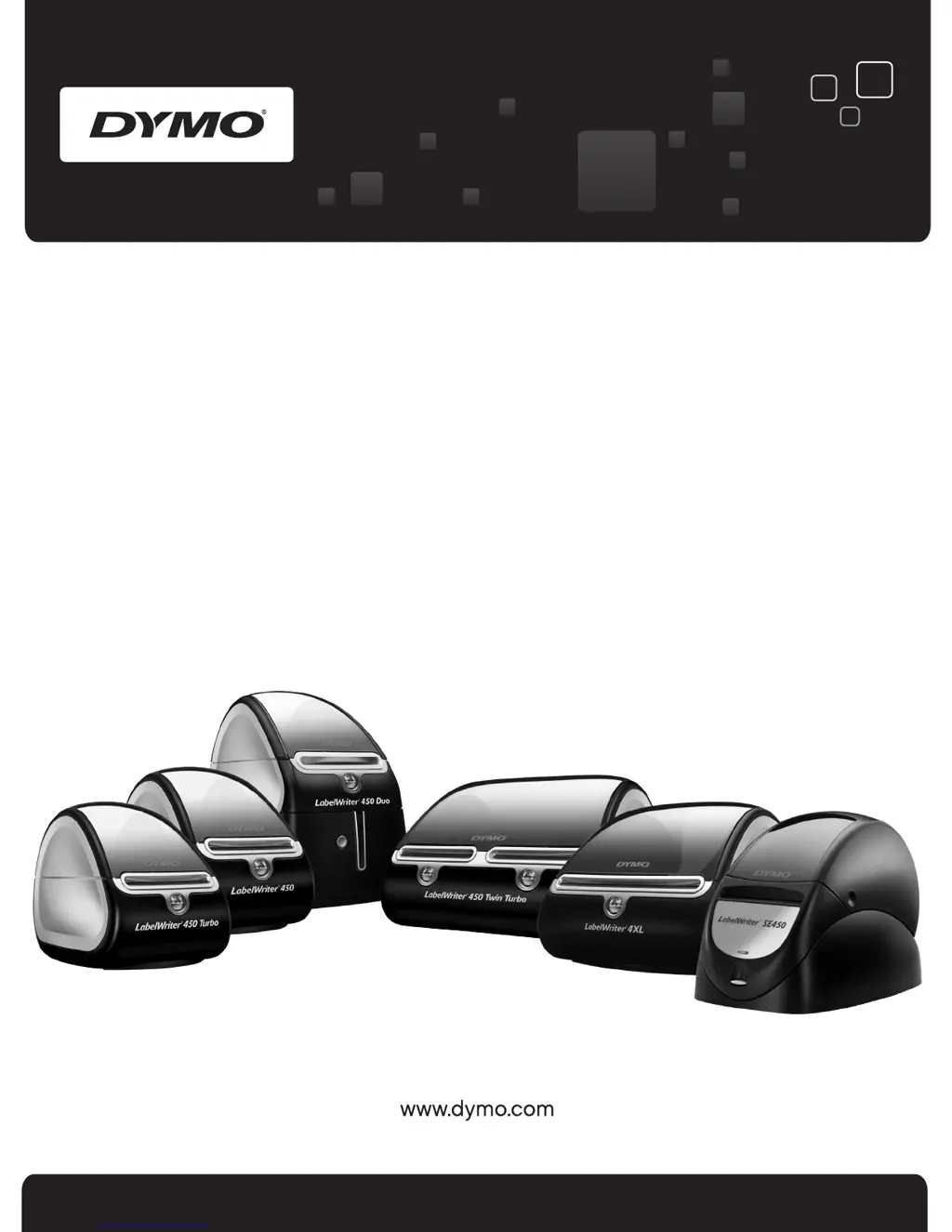
User Guide
DYMO
®
LabelWriter
®
Label Printers

Other manuals for Dymo LabelWriter 450 Turbo

Questions and Answers

  • D
    Dr. Bobby MathisJul 26, 2025
    Why is my Dymo LabelWriter 450 Turbo printing poorly?
    • M
      Meghan WilsonJul 26, 2025
      Poor print quality from your Dymo Label Maker can stem from several causes. It could be due to using an old roll of labels; try a fresh roll. Ensure you're using genuine DYMO-branded labels. Check the roll for thermal coating issues. A dirty print head can also cause this; clean it with the cleaning card.
  • P
    perezmichelleAug 4, 2025
    What to do if my Dymo LabelWriter 450 Turbo printer does not print or stops printing?
    • M
      Michael BrownAug 4, 2025
      If your Dymo Label Maker isn't printing, ensure it's receiving power and feeding labels correctly. Also, check the USB cable connection and verify that the LabelWriter printer driver is correctly installed.
  • Q
    qwelchAug 14, 2025
    Why do labels not feed correctly in my Dymo Label Maker?
    • C
      caleb13Aug 14, 2025
      If labels aren't feeding correctly in your Dymo Label Maker, ensure they are loaded properly and that you are using DYMO-branded labels.

Summary

About the LabelWriter Printer

System Requirements

Lists necessary operating systems and hardware for LabelWriter printers.

About Labels

Loading Labels

Step-by-step instructions for loading label rolls into LabelWriter models.

Printing Over a Network

Caring for Your Printer

Getting Help

Troubleshooting Printer Issues

Information on detecting and correcting common printer problems.

Performing a Printer Self-Test

Procedure to run a self-test for print head and mechanism functionality.

Clearing Label Jams

Steps to safely remove jammed labels from the printer's feed path.

Labels Do Not Feed Correctly

Troubleshooting steps for ensuring labels are loaded and feeding properly.

Printer Does Not Print or Stops Printing

Steps to diagnose and resolve issues where the printer fails to print.

Dymo LabelWriter 450 Turbo Specifications

General IconGeneral
Print technologyDirect thermal
Vertical printingYes
Network readyNo
USB 2.0 ports quantity1
Connectivity technologyWired
Power consumption1750 mA
Power requirements24 VDC
Product colorBlack, White
CertificationCE, FCC, TUV CB, cTUVus, TUV GS, C-Tick
Weight and Dimensions IconWeight and Dimensions
Depth184 mm
Width140 mm
Height203 mm
Weight1350 g

Related product manuals