
 Need help?
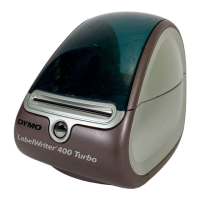
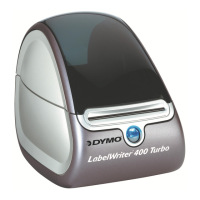
Do you have a question about the Dymo LabelWriter 400 and is the answer not in the manual?
Steps to install the DYMO LabelWriter software on a Windows operating system using the CD-ROM.
Steps to install the DYMO LabelWriter software on a Macintosh system using the CD-ROM.
Procedure for connecting the power adapter and power cord to the printer and a power outlet.
Procedure for connecting the USB cable from the printer to a computer during software installation.
 General
| PC connected | Yes |
|---|---|
| Standard interfaces | USB |
| Tape size | 60 mm |
| Compatibility | PC & Mac |
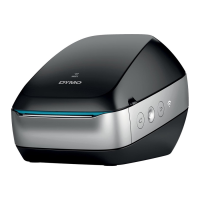
| Product color | Blue, Silver |
| Built-in barcodes | Code 39, ITF-14 |
| Package depth | 593 mm |
| Package width | 255 mm |
| Package height | 238 mm |
 Weight and Dimensions
| Depth | 240 mm |
|---|---|
| Width | 149 mm |
| Height | 222 mm |
| Weight | 1540 g |






 To Next Page

