3
About Your New Labelmaker
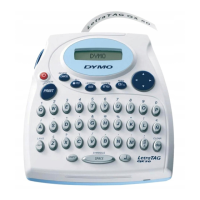
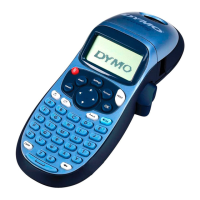
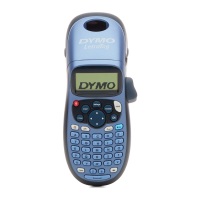
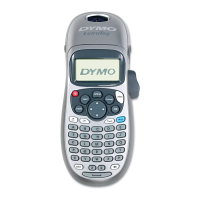
With your new DYMO LetraTag® labelmaker, you can create a wide
variety of high-quality, self-adhesive labels. You can choose to print
your labels in many different sizes and styles. The labelmaker uses
DYMO LetraTag (LT)
12 mm
label cassettes. LT cassettes are available
in multiple colors of plastic tape and in white iron-on tape.
Visit www.dymo.com for information on obtaining labels and
accessories for your labelmaker.
Warranty Registration
Please complete the warranty registration card and return it to the
appropriate Customer Support address within seven days. Visit
www.dymo.com/registration for details or to register online.
Getting Started
Follow the instructions in this section to print your first label.
Connecting the Power
The labelmaker is powered by standard batteries or an AC power
adapter. To save power, the labelmaker will automatically turn off
after two minutes of inactivity.
Inserting the Batteries
The labelmaker uses four high-capacity AA alkaline batteries.







 To Next Page