EasyManua.ls Logo

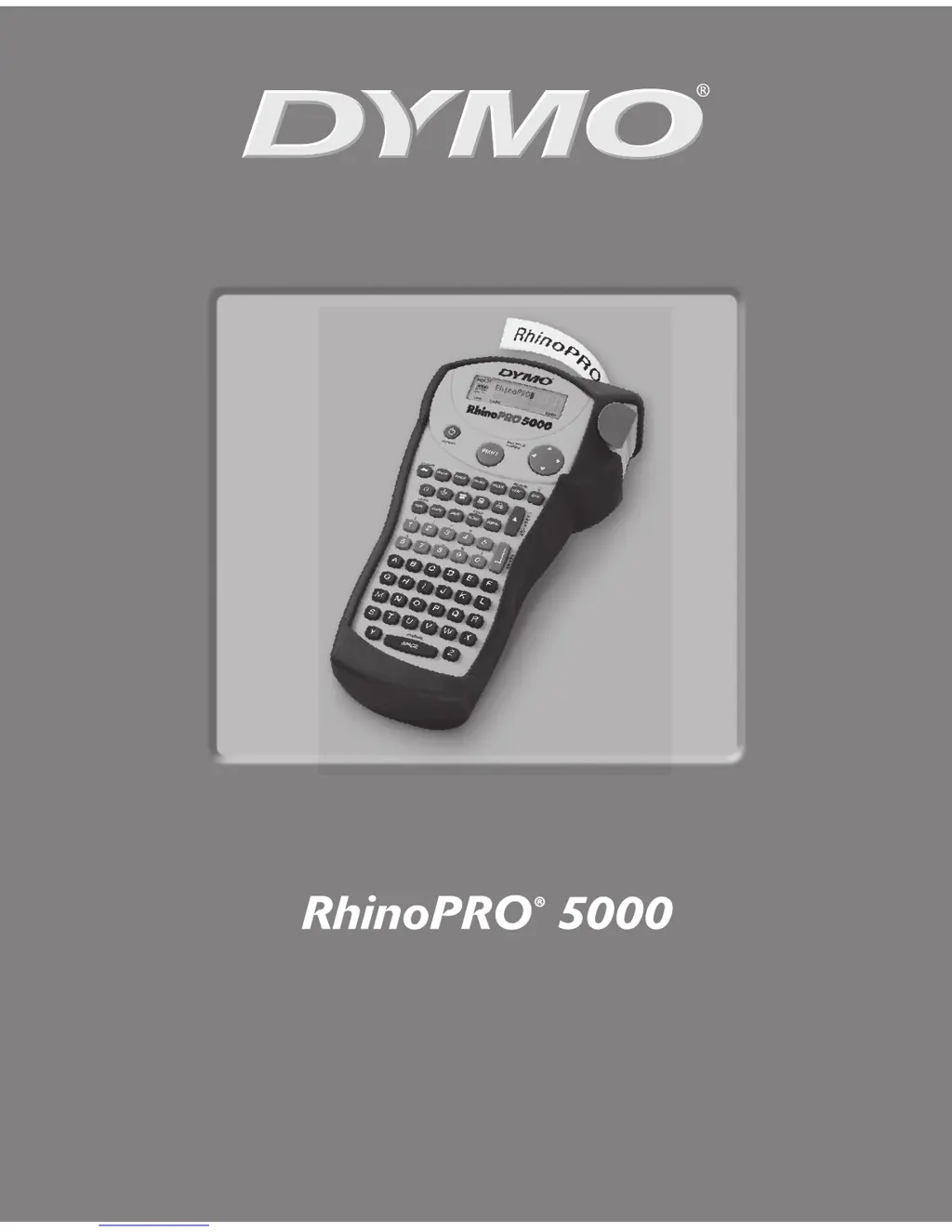
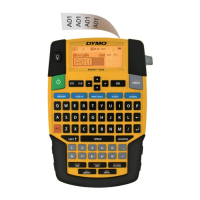
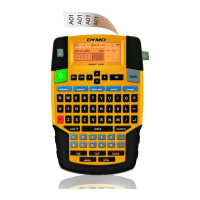
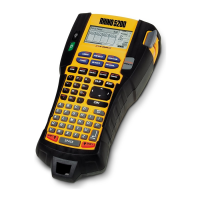
Dymo RhinoPRO 5000 - User Manual

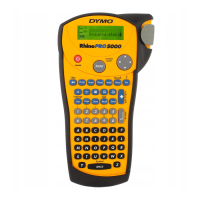
Dymo RhinoPRO 5000
12 pages
Print Icon
To Next Page IconTo Next Page
Loading...
www.rhinolabeling.com
User Guide . . . . . . . . . . . . . . . . . . . . . . . Page 3
Guide D’Utilisation . . . . . . . . . . . . . . . Page 13

Other manuals for Dymo RhinoPRO 5000

Questions and Answers

Summary

Getting Started

Power Supply and Battery Installation

How to power the printer using AC or batteries and install batteries.

Connecting the AC Adapter and Tape Cassette

Steps for connecting power adapter and loading tape.

Labeling Procedures

Printing Your First Label

Guide to creating and printing a basic label.

Getting to Know Your Printer

Using the Hot Keys

Specialized Label Printing

Printing Options

Printer Maintenance and Accessories

Troubleshooting

Common Problems and Solutions

Guidance for resolving display, print quality, and jam issues.

Summary

Getting Started

Power Supply and Battery Installation

How to power the printer using AC or batteries and install batteries.

Connecting the AC Adapter and Tape Cassette

Steps for connecting power adapter and loading tape.

Labeling Procedures

Printing Your First Label

Guide to creating and printing a basic label.

Getting to Know Your Printer

Using the Hot Keys

Specialized Label Printing

Printing Options

Printer Maintenance and Accessories

Troubleshooting

Common Problems and Solutions

Guidance for resolving display, print quality, and jam issues.

Dymo RhinoPRO 5000 Specifications

General IconGeneral
KeyboardQWERTY
Print TechnologyThermal Transfer
DisplayLCD
Tape CompatibilityRhino Industrial Labels
Power SourceAC adapter or 6 AA batteries
ConnectivityUSB
Supported Label MaterialsVinyl, polyester, nylon
MemoryYes (stores labels)

Related product manuals