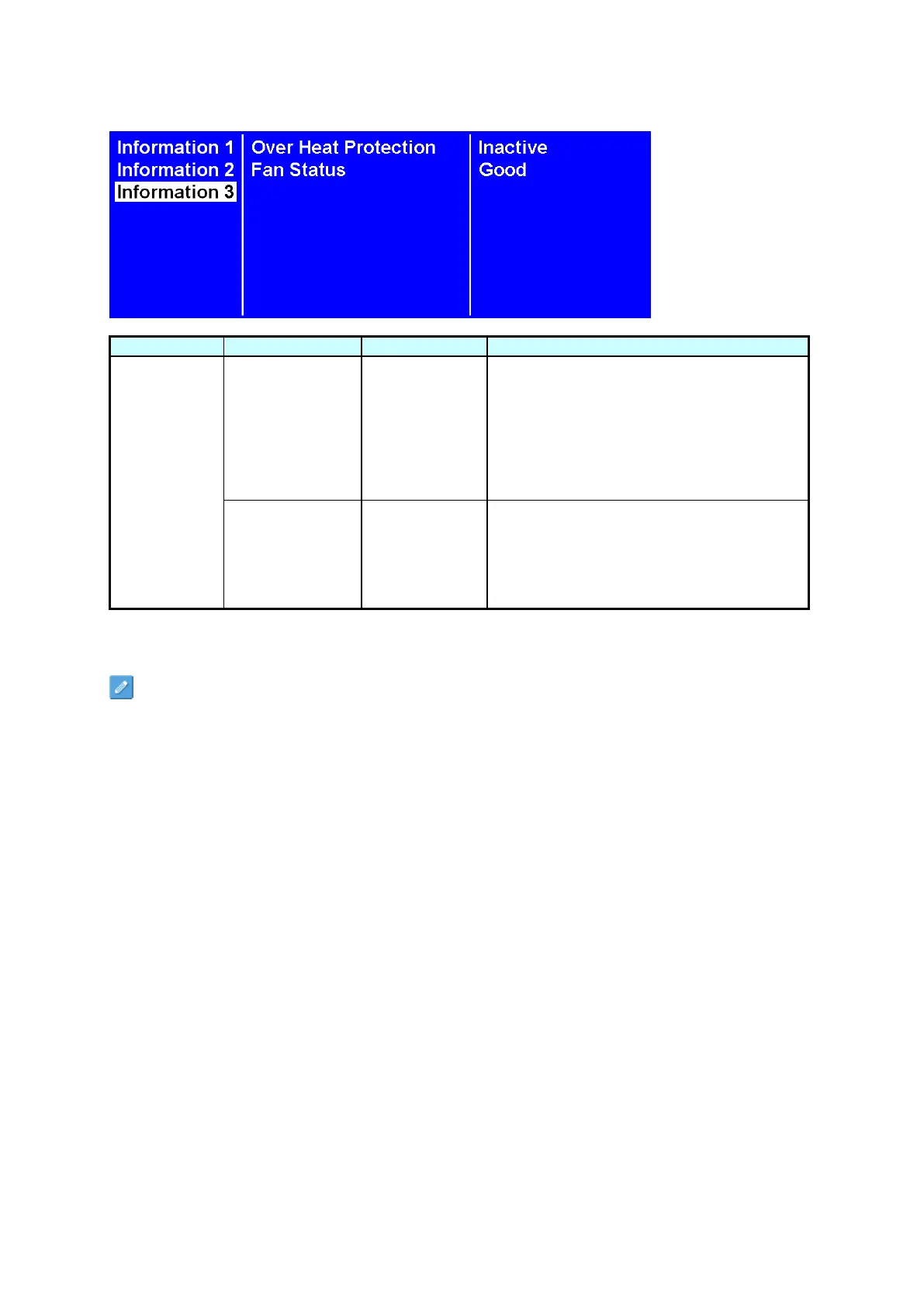
It will enter into protection mode when the
display internal temperature is over heat.
56°C = Brightness 50%.
61°C = Brightness 25%.
66°C = Brightness 03%.
When the temperature is decreased to exit
the protection, the brightness will restore to
100% and Over Heat Protection is disabled.
When (1) any of the cooling fans on the
display rear side is failure and stops running,
and (2) the internal temperature reach 36°C,
the Fan Alarm will appear and blink, and
reduce the brightness to 25%. Be sure to
contact the service engineer for repair.
Some functions may not be available for all models.
*Adjusted value: Each R/G/B value for this product has been individually adjusted during production to
a preset color temperature of 6500K.



 To Next Page