EasyManua.ls Logo

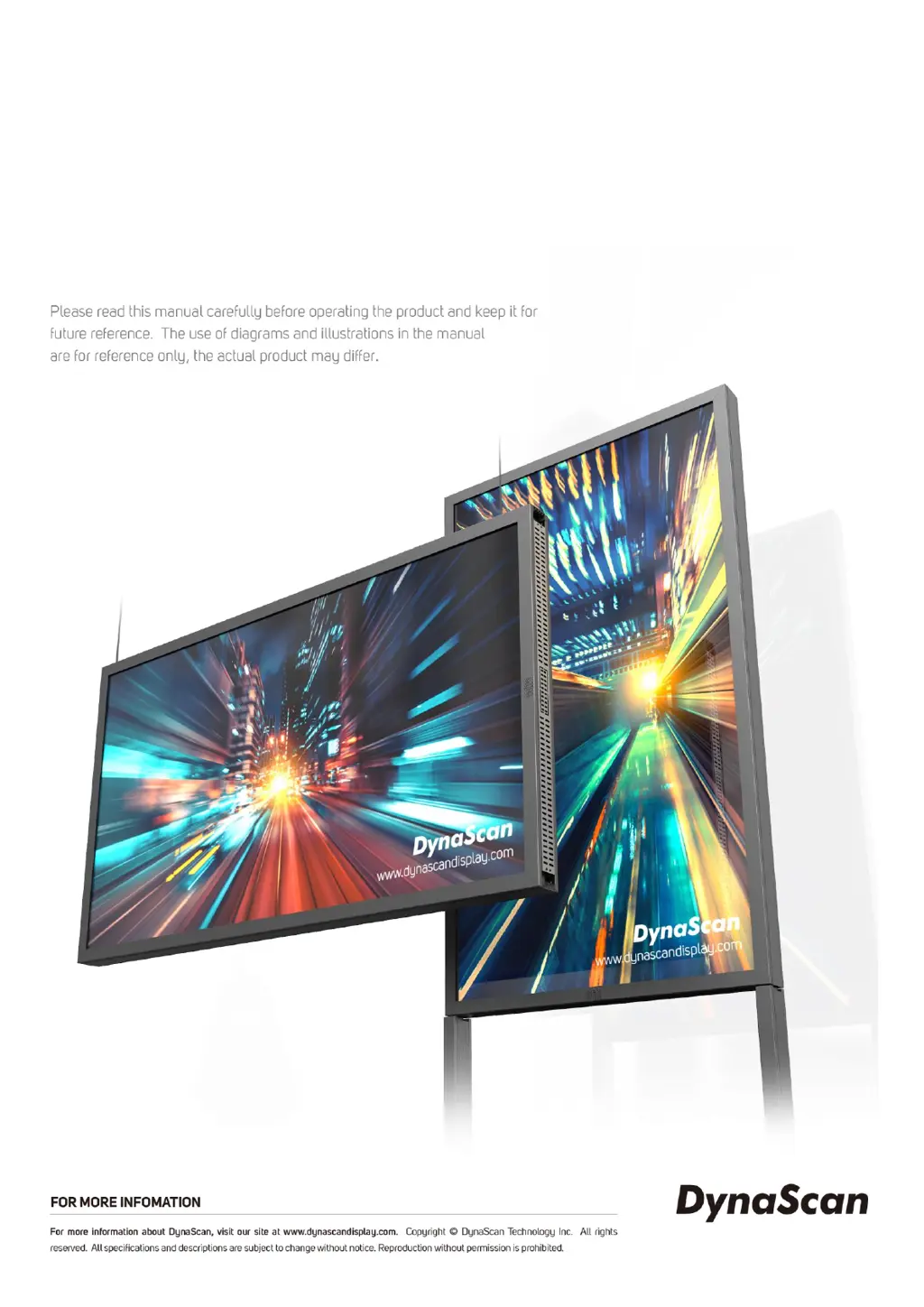
Dynascan DW551DR4 - User Manual

Dynascan DW551DR4
31 pages
Print Icon
To Next Page IconTo Next Page
Loading...
USER MANUAL
DW551DR4
55” Dual Side Digital Signage Display
66501 | V2.02

Questions and Answers

Summary

Safety Precautions

Important Safety Information

Getting Started

Installing Remote Control Batteries

Step-by-step guide for installing batteries in the remote control.

Installation

Stand Installation

Instructions for mounting the display using a stand.

Maintenance

Connecting to Power

Connecting Video Source

Input; Output Terminals

Operating Instructions

Powering On;Off

Instructions for turning the display on and off.

Using the Remote Control

Navigating the OSD Menu

Over Heat Protection

Specifications

Input Mode Details

Pin Assignments

Troubleshooting Guide

Dynascan DW551DR4 Specifications

General IconGeneral
Screen Size55 inches
Contrast Ratio4000:1
Viewing Angle178°/178°
Panel TypeIPS
Input Voltage100-240V AC
Response Time8 ms
Standby Power Consumption0.5W
VESA Mount400 x 400 mm
Built-in SpeakersYes
Speaker Output10W x 2
Resolution1920 x 1080
ConnectivityHDMI, USB
Storage Temperature-20°C to 60°C
Power Consumption120W

Related product manuals