13
Installation Location
Do not install in a location with strong vibrations or dusty.
Do not install near the building’s main electric panel.
Ensure the LCD is secured in such a manner that it cannot be easily removed by the general
public.
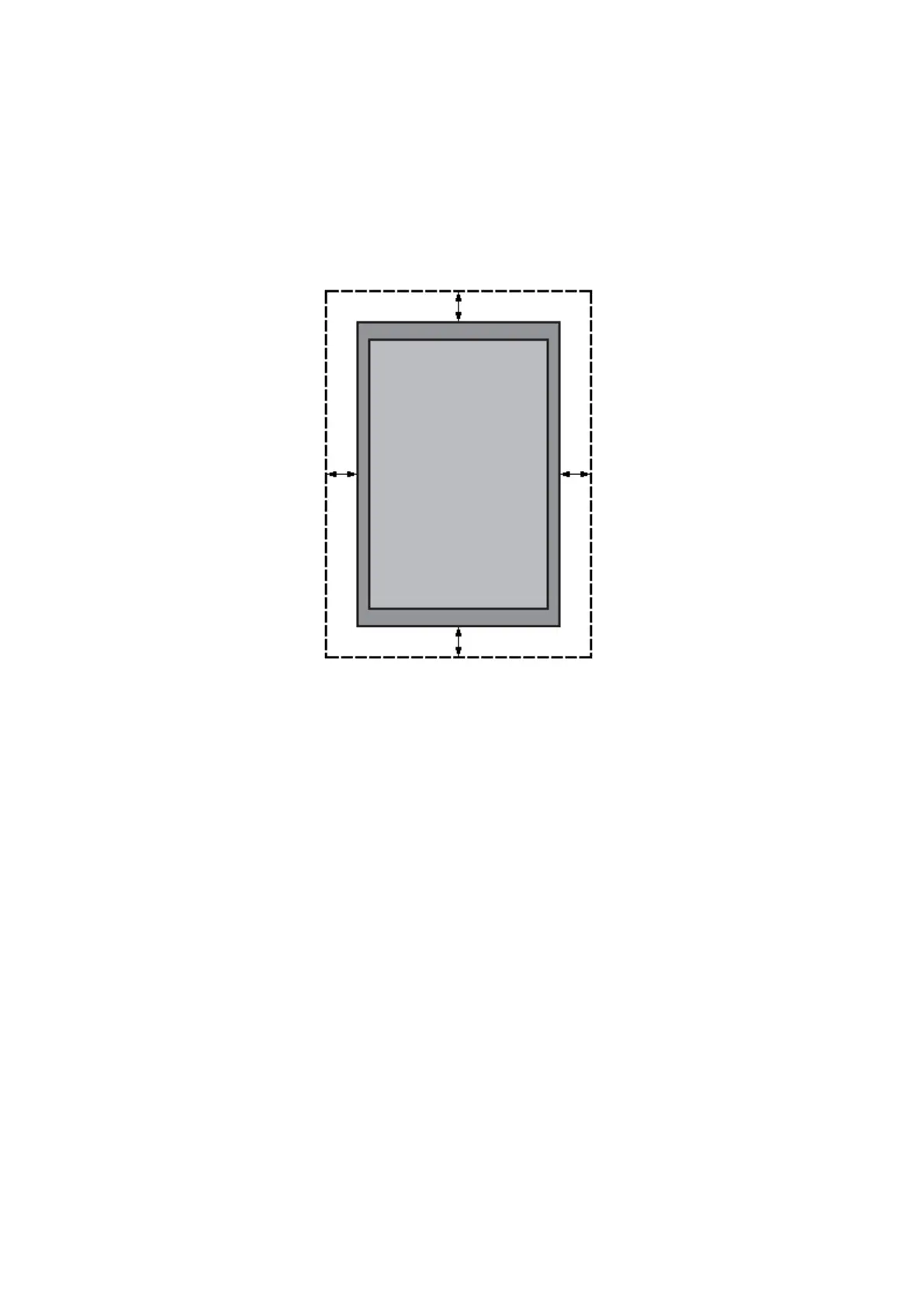
Leave clearance around the outer edge of the LCD from other objects to ensure proper
ventilation.
Single display
Maintenance
Inspect the fasteners regularly for signs of loosening or deformation. Please perform
appropriate corrective measures when a problem is identified. Neglecting the problem may
worsen the situation.
Increase the inspection frequency on areas where previous maintenance had occurred to ensure
the problems do not occur again.


 To Next Page