1. Two mounting holes can be found from top and bottom sides of the display (Portrait mode), which
are reserved for wall, ceiling or stand mounting use.
2. When the connection kit insert into the mounting hole, each length side of the display has six screw
holes which can be used for fasten.
Orientation
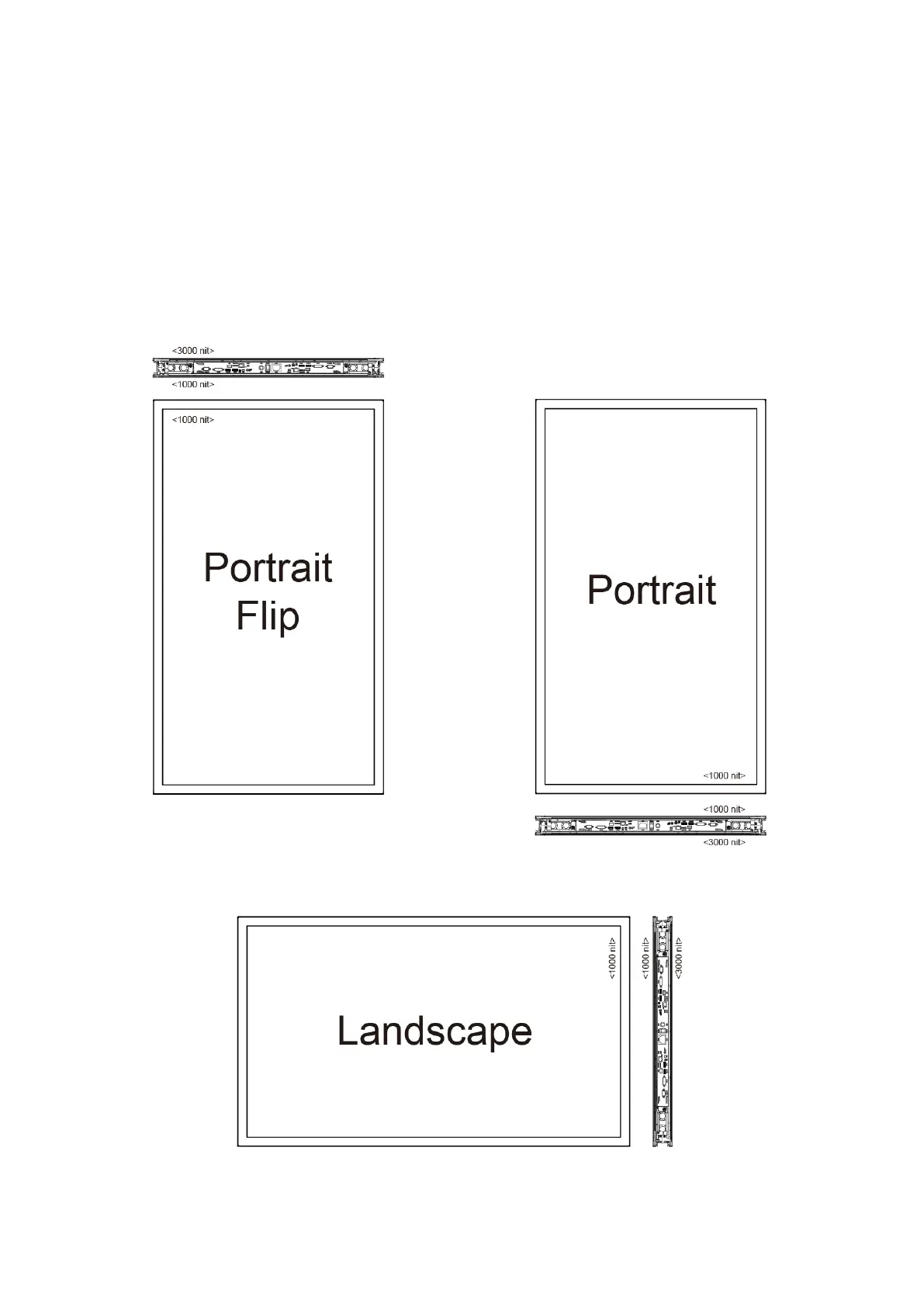
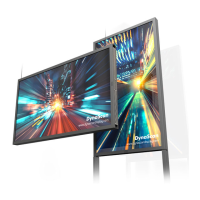
DW551DR4 provides 3 different screen orientations for various environment applications.
Portrait Flip, Portrait and Landscape mode can be distinguished by the corresponding position of
I/O port in the figures below.


 To Next Page