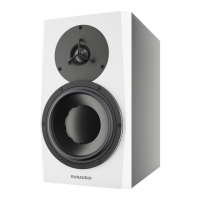
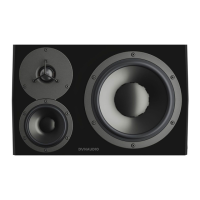
▪ If your monitors are placed further than 50 cm from any wall surface, use the “Free” setting.
▪ If you have positioned your monitors within 50 cm of a wall the position switch should be set to “Wall”.
▪ If the monitor is placed within 50 cm of a corner, set Position 2 to “Corner.”
These settings will help coping with anomalies created by reflections coming o the back and sidewalls, especially
in the lower frequencies.
DSP Settings 21



 To Next Page