35
If your record player has got an integrated preamplifier or if you use an external phono preamplifier please connect it
to the input AUX. No matter which connection you use, do not forget to connect the ground cable from the turntable
to the ground screw on VT-90.
Connecting an additional power amplifier or active subwoofer
The RCA jacks „OUTPUT“, can be used to add another output stage (eg for sounding a further room) or an active
subwoofer to the volume controled Stereo output (line level). The output level of the pre-amplified output „OUTPUT“
depends on the volume setting, the sound control (BASS, TREBLE, and BALANCE) and the insertion of a headphone.
Connect this signal output to the signal input („LINE IN“ / „INPUT“ etc.) of the power amplifier / active sub-woofer
using commercially available RCA cables.
Connecting a headphone
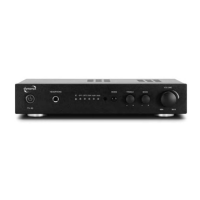
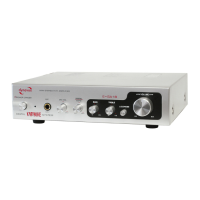
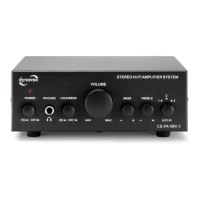
A headphone equipped with a 3.5 mm jack plug can be plugged into the headphone socket „ „ on the front of the
unit. All headphones with an impe-dance between 32 and 600 Ohm can be used. Unsuitable headphones with another
impedance may damage the unit or produce an unexpectedly high volume that can damage your hearing. As long as
a headphone is plugged in, the speakers are switched off.
CONNECTION AND COMMISSIONING


 To Next Page