©Dyness reserves the copyright of this document
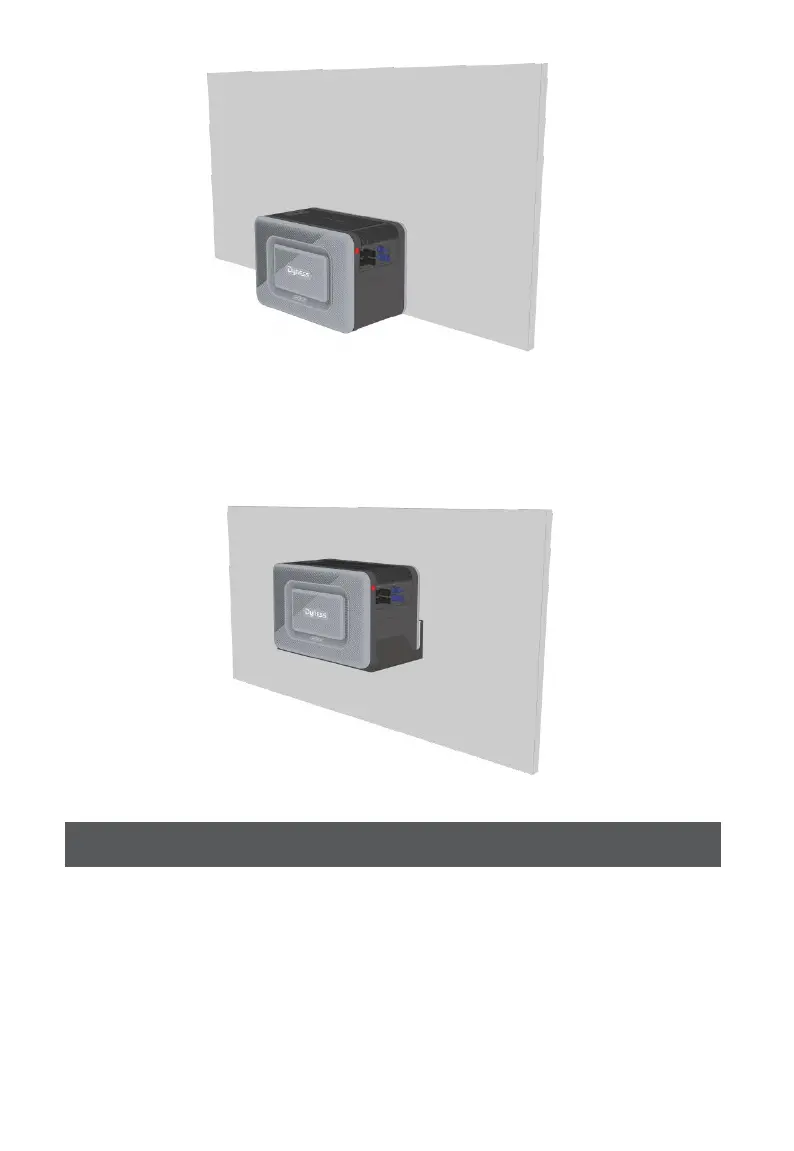
Option B: Mount your Junior Box onto a solid concrete wall using additional mount
brackets*.
*Mount brackets need to be purchased separately
Single Junior Box
1. Connect Junior Box to the micro inverter using the included MC4 output cables.
2. Connect the micro inverter to a home outlet using the original cable.
3.
Connect the solar panels to Junior Box using solar panel extension cables.



 To Next Page