©Dyness reserves the copyright of this document
Dyness Smart ESS App Instruction
Dyness Smart ESS App for Smart Control
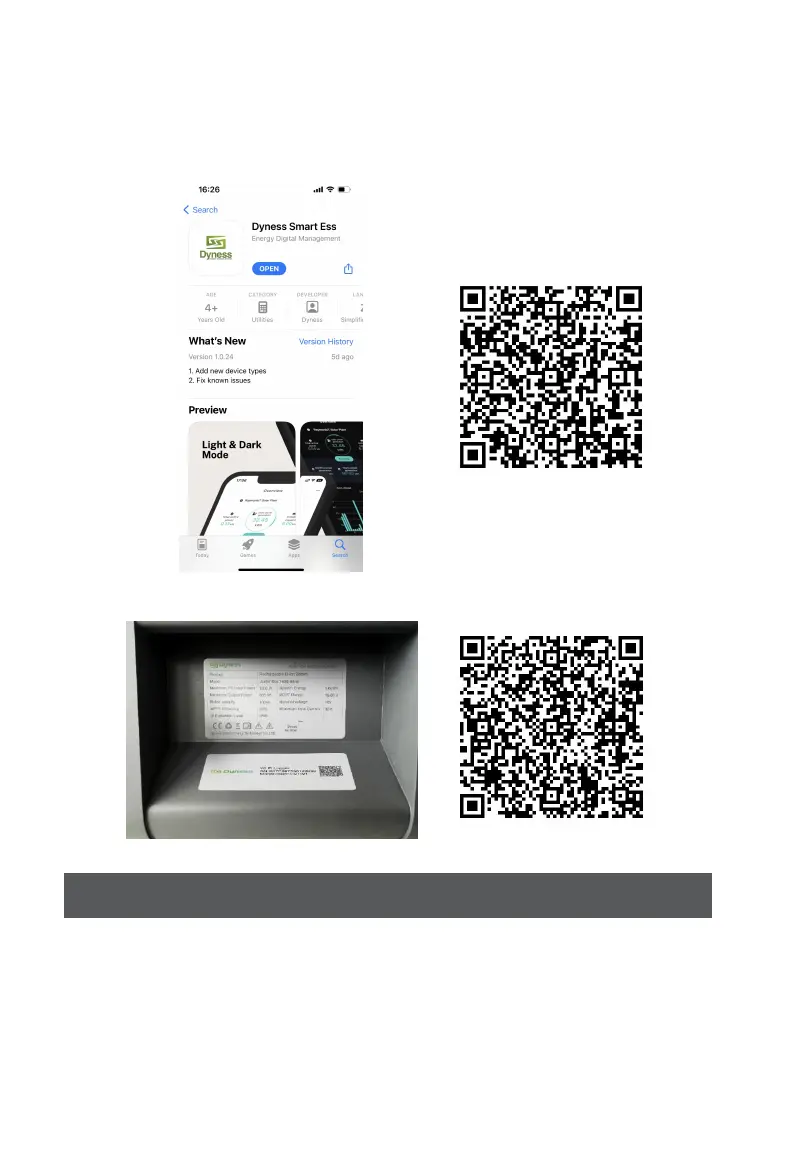
Download the Dyness Smart ESS App to get full functionality of your Junior Box
from the App
Store (iOS devices) or Scan QR Code(Android devices).
WIFI distribution network, use Dyness smart ESS app to scan the QR code in the Wi-Fi Logger label
For optimal performance, follow the instructions below to store and maintain your Junior
Box regularly.
Keep the product on a flat surface when using, charging, and storing.
Use a cotton cloth and water to clean. Do not use steel wool or other hard materials for



 To Next Page